From mess to picture: how a picture-making AI actually draws
A picture-making AI doesn't draw lines. It starts from a mess and takes away what doesn't fit. AI Teading Teens lets you watch it happen with a slider.
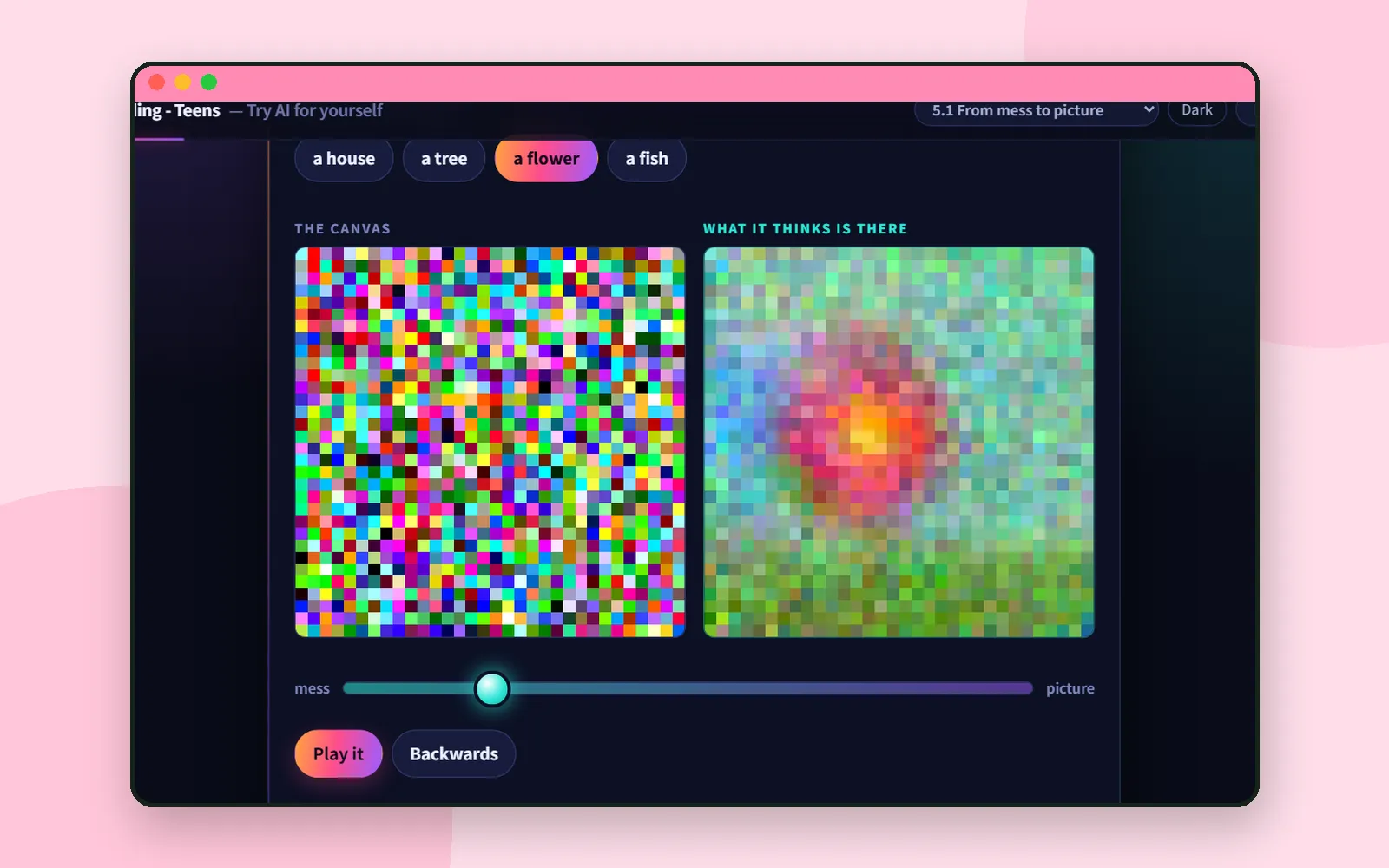
Type “a flower” into an image AI and a flower appears. It’s natural to imagine something like a very fast artist, sketching an outline and filling it in.
That’s not what happens. Chapter 5.1 of AI Teading Teens, From mess to picture, lets you watch what really happens, one slider push at a time. 🎨
A brush it doesn’t have
The chapter opens Part 5, AI that makes things, with one line worth remembering:
Picture-making AI doesn’t use a brush. It looks at a mess, guesses what’s in there, and takes away whatever doesn’t fit.
Then it hands you two labs to see that for yourself.
Lab P18: push the slider slowly
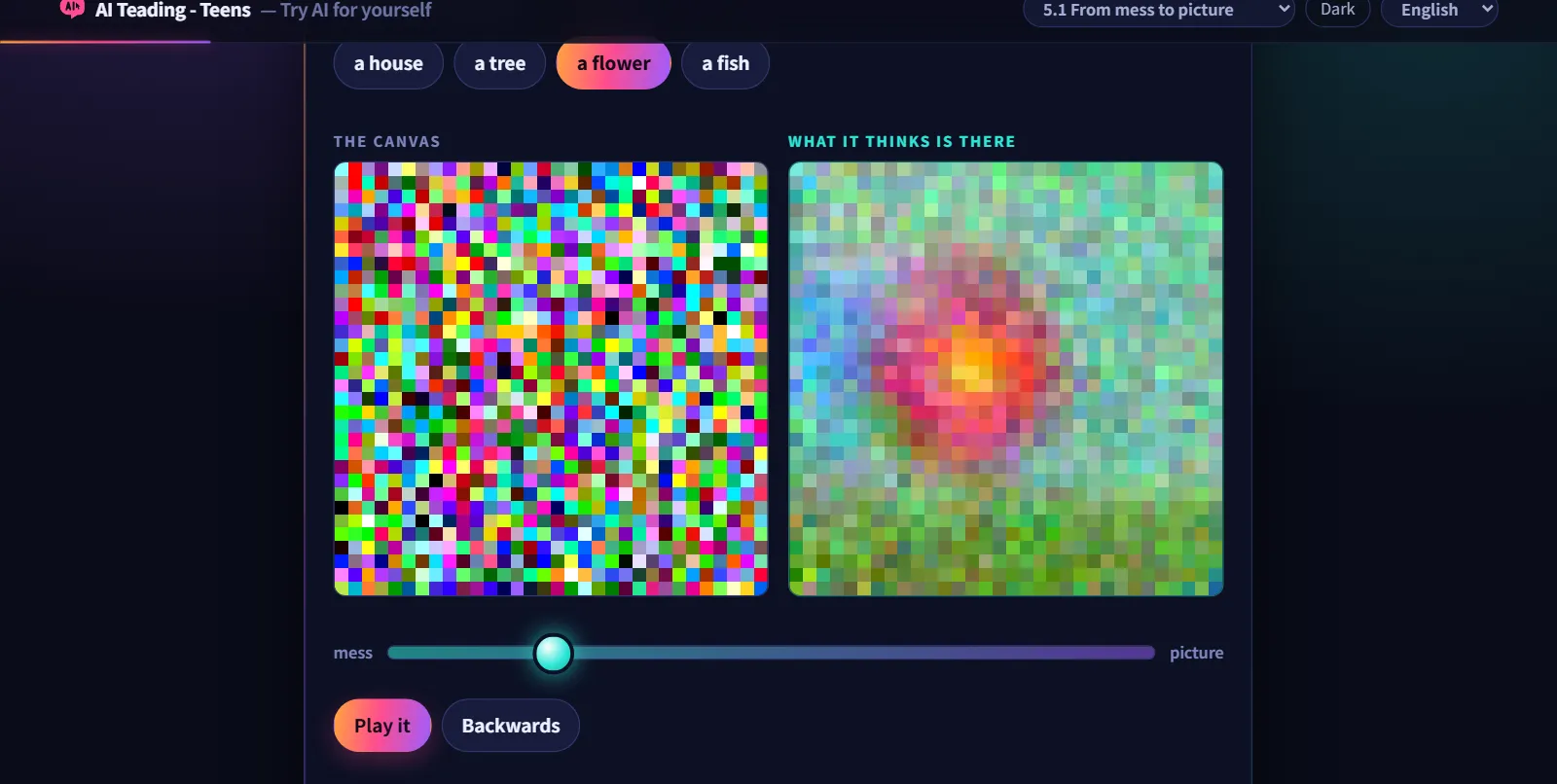
The first lab has a slider and two boxes. The chapter tells you exactly what to watch:
- the left box is what’s on the canvas right now
- the right box is what the machine thinks is in there
Push the slider only a little. The left box is still nothing but mess. But look right: the guess already has something flower-shaped in it. The machine is guessing from mess alone.
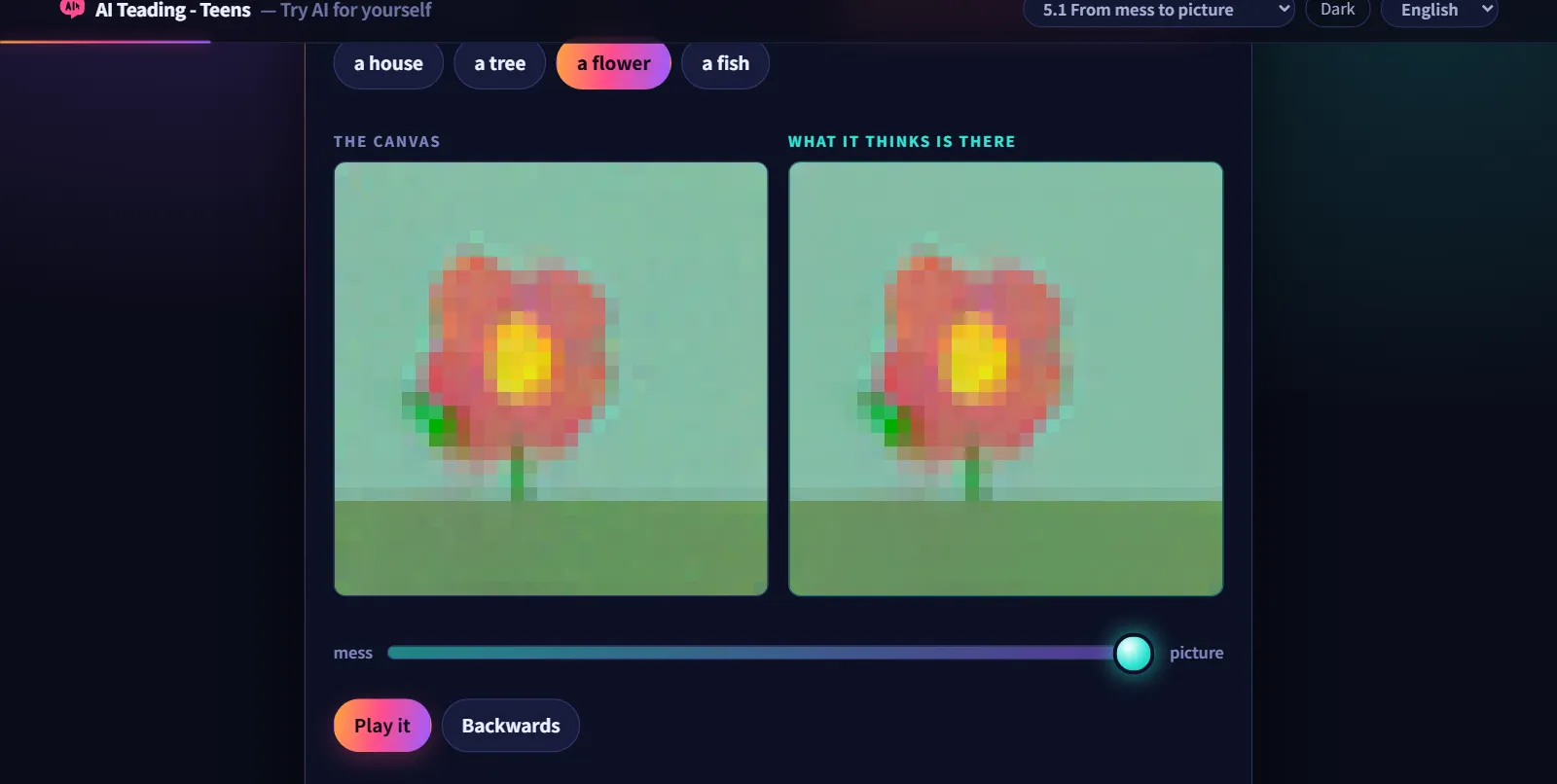
Keep pushing and the canvas clears into a picture. These come from a small picture machine the authors trained themselves, only 32 squares by 32, so you can see the squares.
It’s finding shapes in clouds
The chapter’s explanation is one every child already knows. You look at a cloud and think that one’s a rabbit. A picture-making AI does the same thing:
That method has a name: diffusion.
Press Backwards in the lab and the picture dissolves back into mess. That’s the direction the machine learned in: take a real picture, stir in a measured amount of mess, and ask what did I just stir in? Once it can spot the mess, it can take the mess out.
Lab P19: order a picture
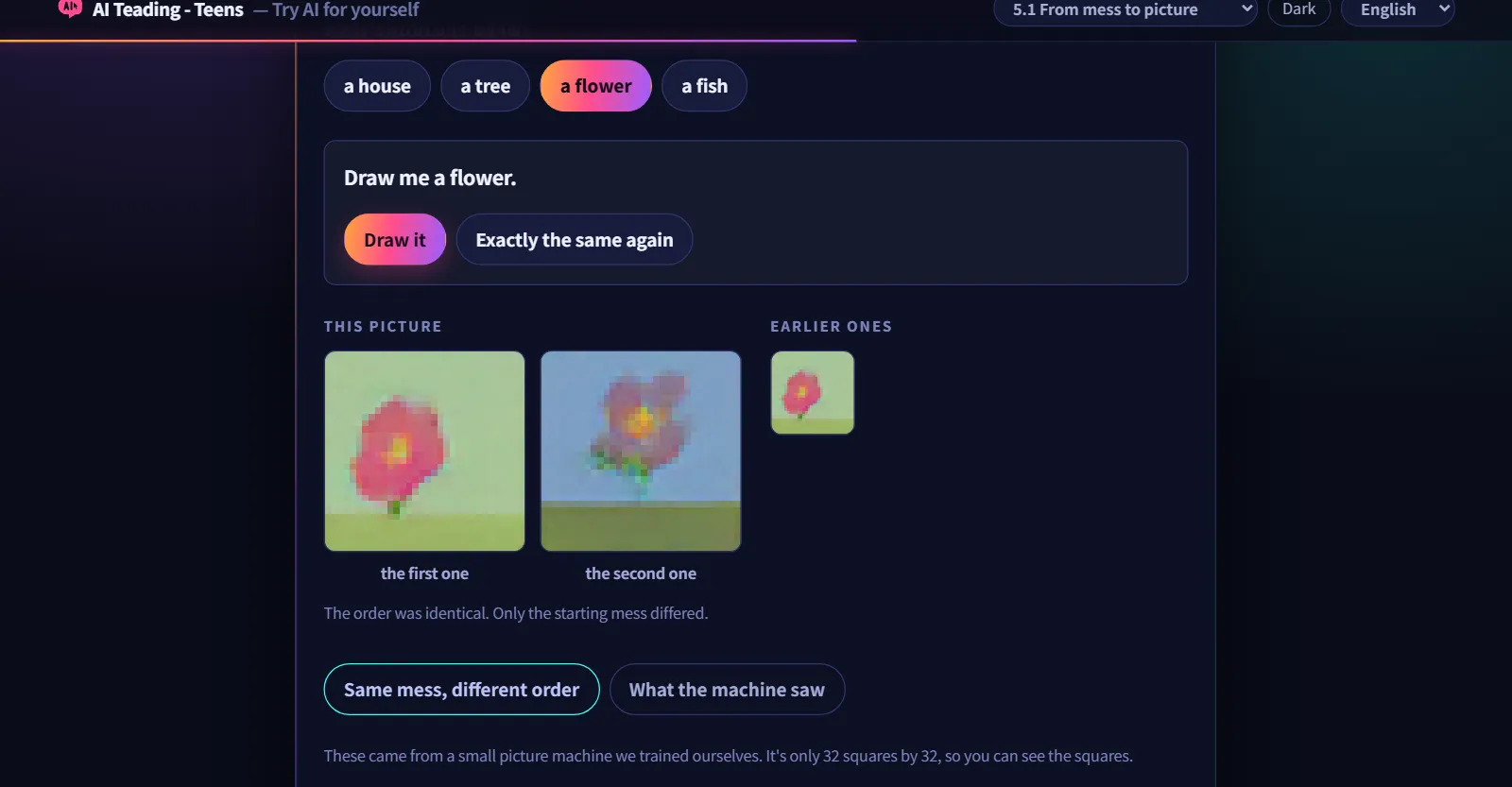
In the second lab you choose what to draw and ask for it. Then press three buttons, one after another:
| Button | What it shows |
|---|---|
| Exactly the same again | The same order gives a different picture. What changed is the mess it started from |
| Same mess, different order | The same starting mess gives a different picture when the order changes. The order decides what it sees |
| What the machine saw | Something that looks like what it made, but isn’t the same. It doesn’t create out of nothing |
The chapter calls the first two the most important moments in this chapter. They’re also the honest answer to two questions everyone asks about image AI: why is it different every time? and why does changing my prompt change the picture?
Coming up next
For the whole book and how it’s organised, see AI Teading Teens: a hands-on AI book. For a very different kind of drawing AI, one that matches your scribble to drawings people made, see AutoDraw. And if a word like diffusion sticks, Aha AI explains AI terms one at a time.
Next time: Ddolbeng’s sports games, and how they teach a child timing.
Frequently asked questions
Does an image AI draw line by line?
No. It starts from a canvas of pure mess, guesses what might be in there, and takes away a little of what doesn't fit, over and over. This method is called diffusion.
Is the picture hidden under the mess?
No. If it were, the same mess would always give the same picture. In the chapter's second lab you can see that it doesn't.
Why does the same request give a different picture each time?
Because each try starts from a different mess. The AI isn't fetching a stored answer; it picks among likely ones.
Who is this chapter for?
It's part of AI Teading Teens, and it works just as well for adults who want to see how image AI works.