CodingTeading
CodingTeading Blog
Notes from CodingTeading on the coding and AI learning apps we build for children, written by the people who make them.
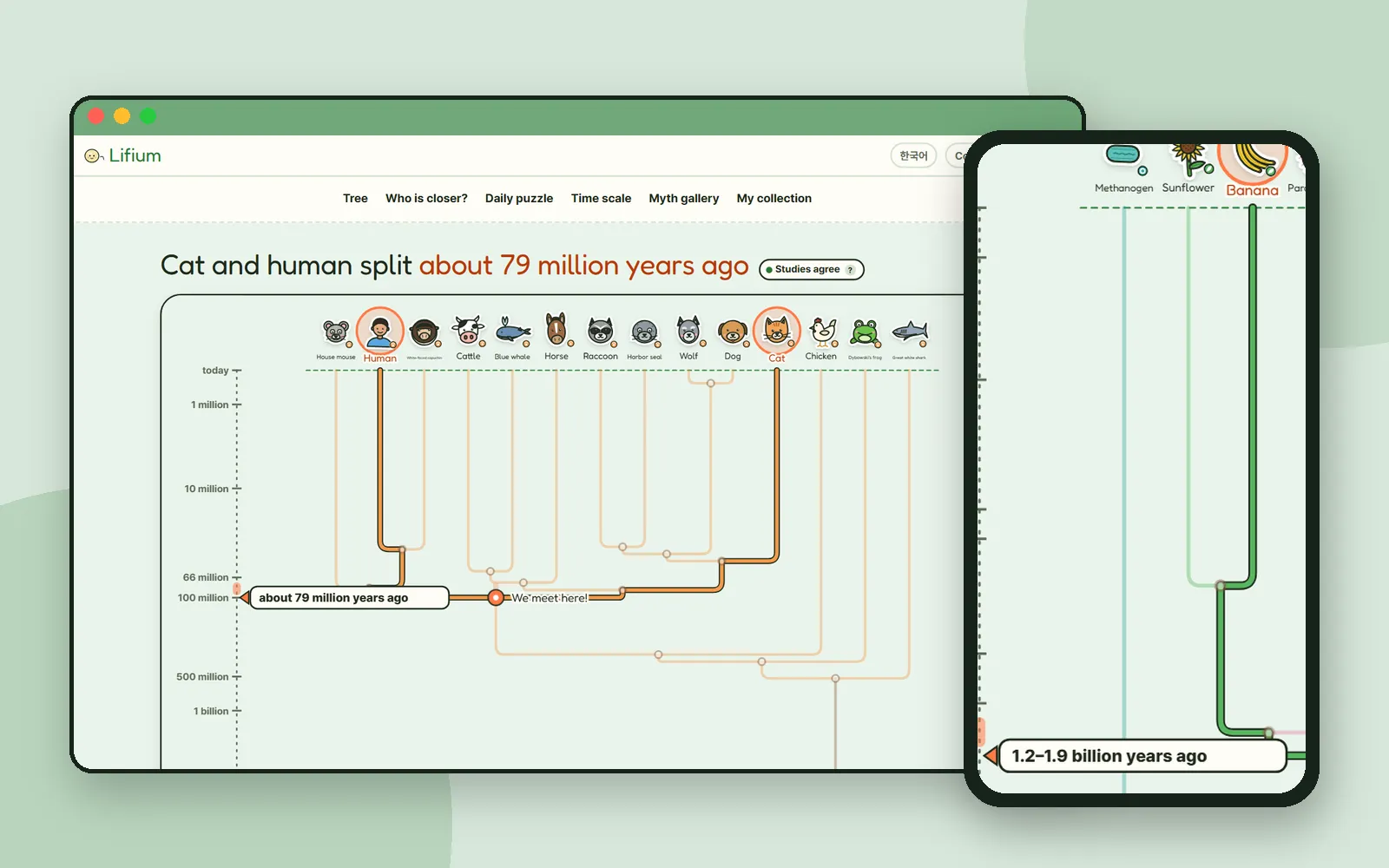 Science & mathLifium: pick two living things and find where their branches meetLifium asks a simple question: how closely related are we? Pick a cat and a human, or a banana and a human, and watch two branches of the tree of life meet, with a range of dates and a badge that says how sure science is.
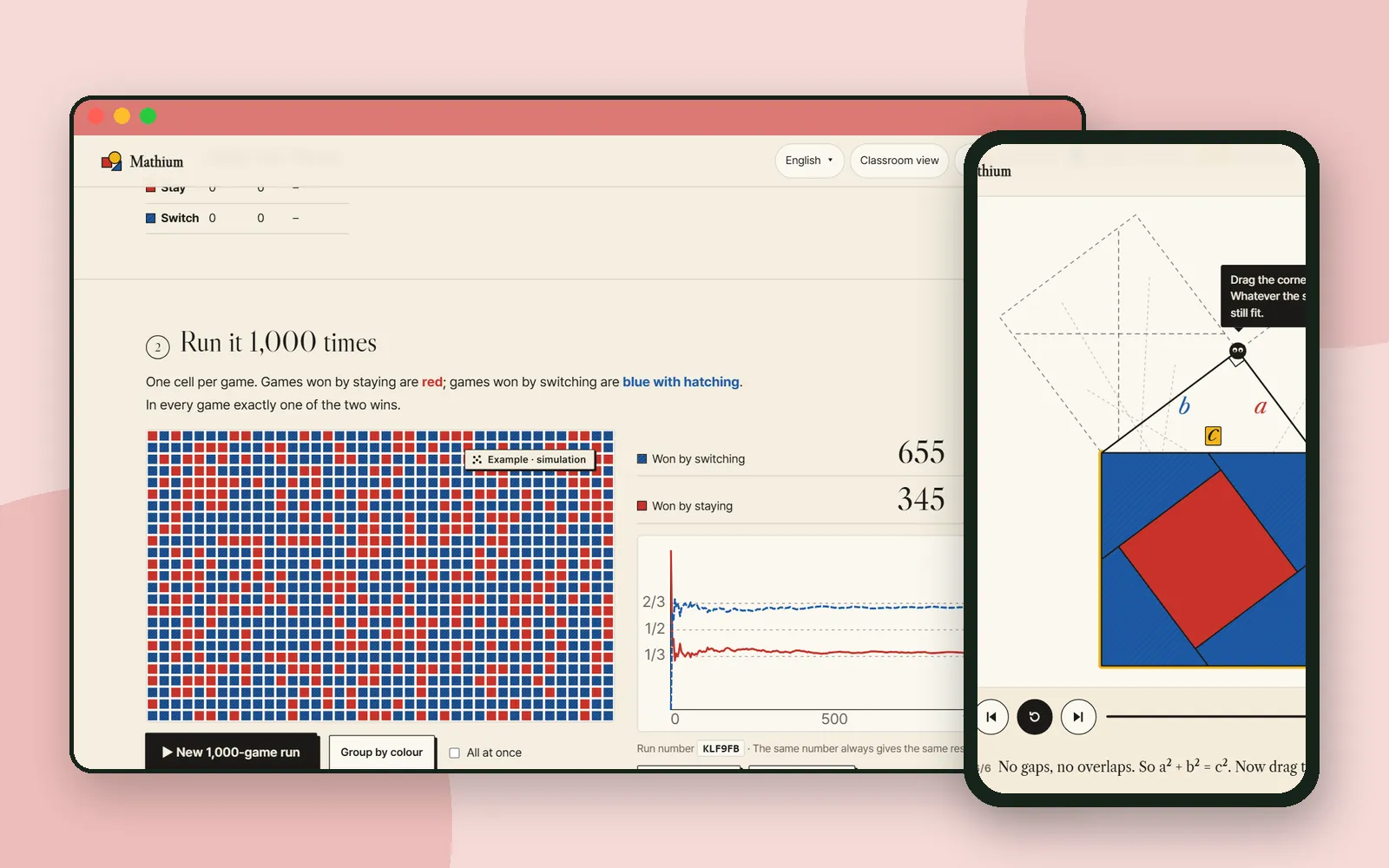 Science & mathMathium: a math museum where you see why it's trueMathium is a math museum of moving pictures. Watch five pieces prove the Pythagorean theorem, then play the Monty Hall game, run it 1,000 times and see why an experiment isn't a proof.
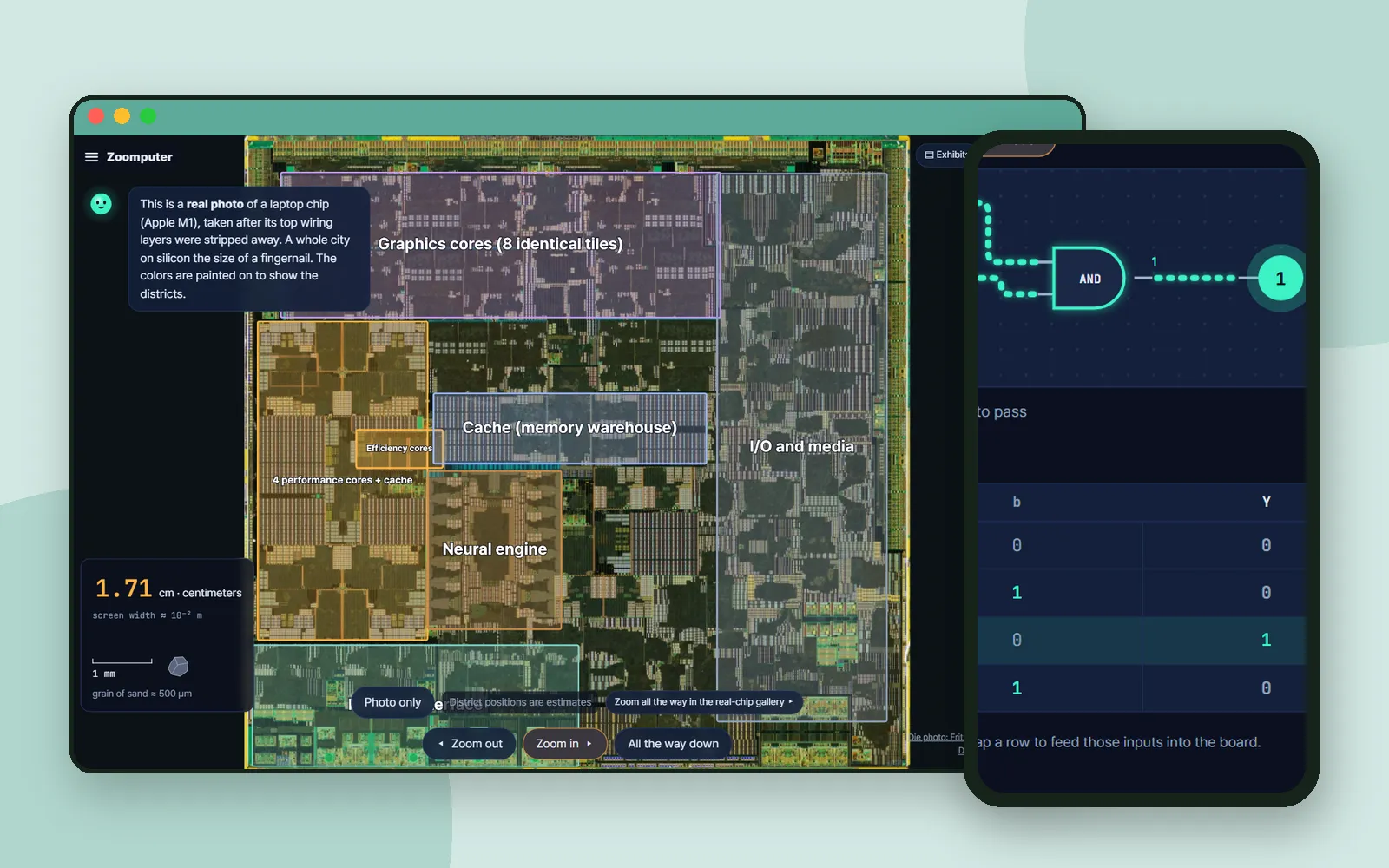 Science & mathZoomputer: zoom into a computer until you reach the switchesZoomputer starts at a laptop and keeps zooming in: a real chip photo, then explanatory drawings of transistors and logic gates. On the way, an if-statement from block code turns into a circuit.
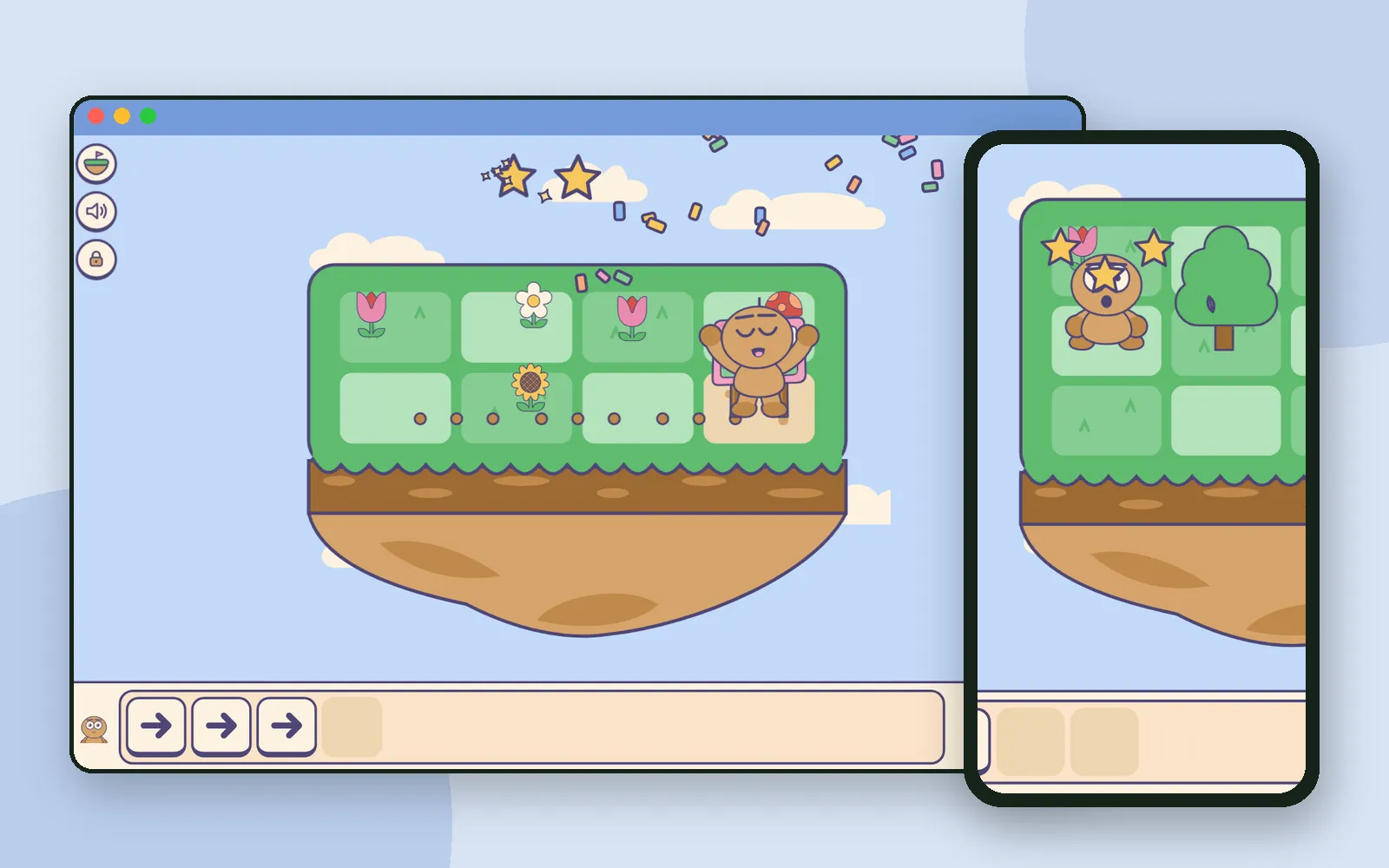 Block codingDdolbeng Rolls: a block-coding puzzle adventure with no words to readIn Ddolbeng Rolls, children place arrow blocks and press play to roll Ddolbeng across floating islands after a runaway festival poster. No words on the blocks, and mistakes end in a laugh.
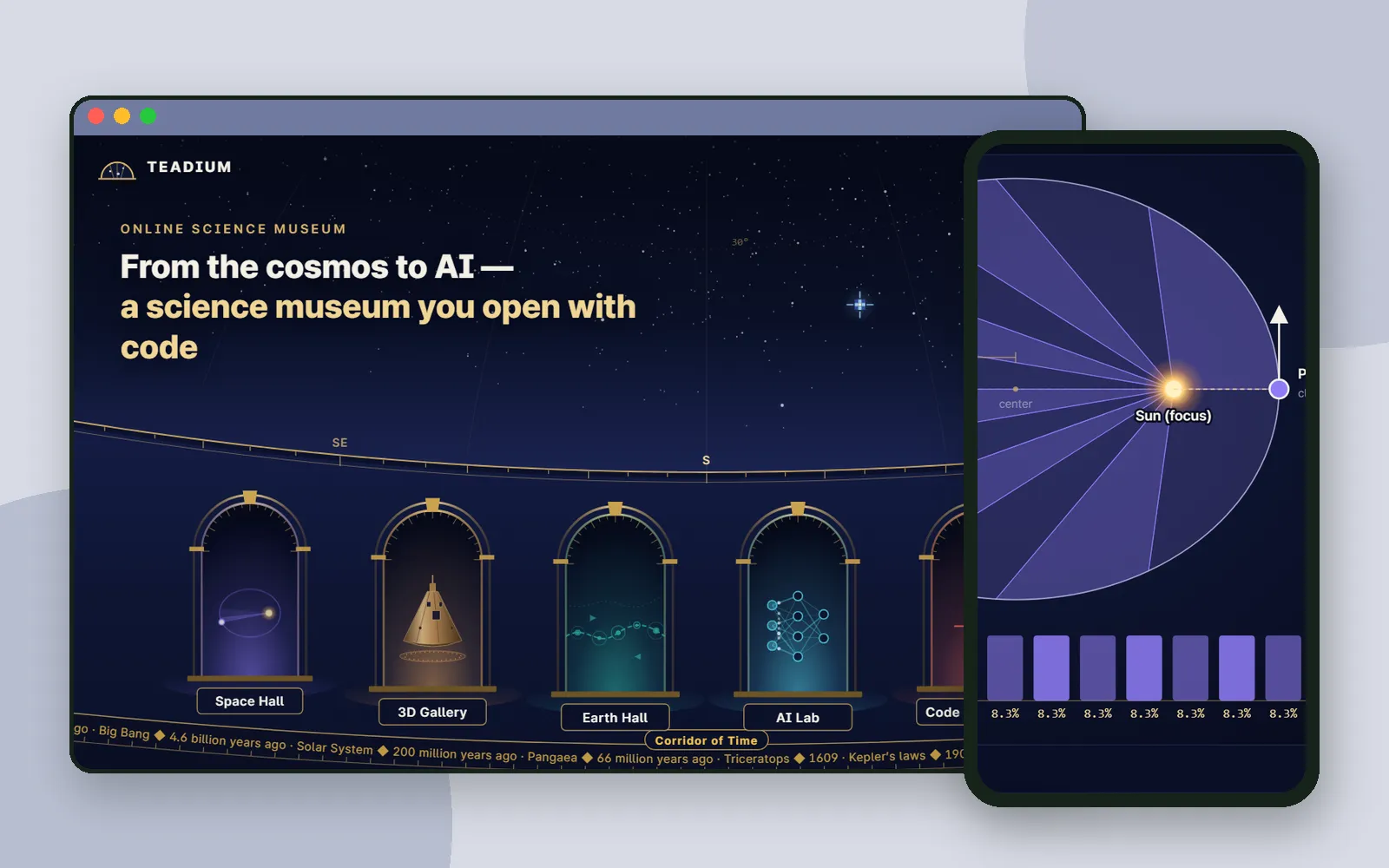 Science & mathTeadium: a science museum you open with codeTeadium is an online science museum from CodingTeading. Each exhibit has three steps: see real data, understand it with a moving drawing, then make it yourself with blocks or JavaScript.
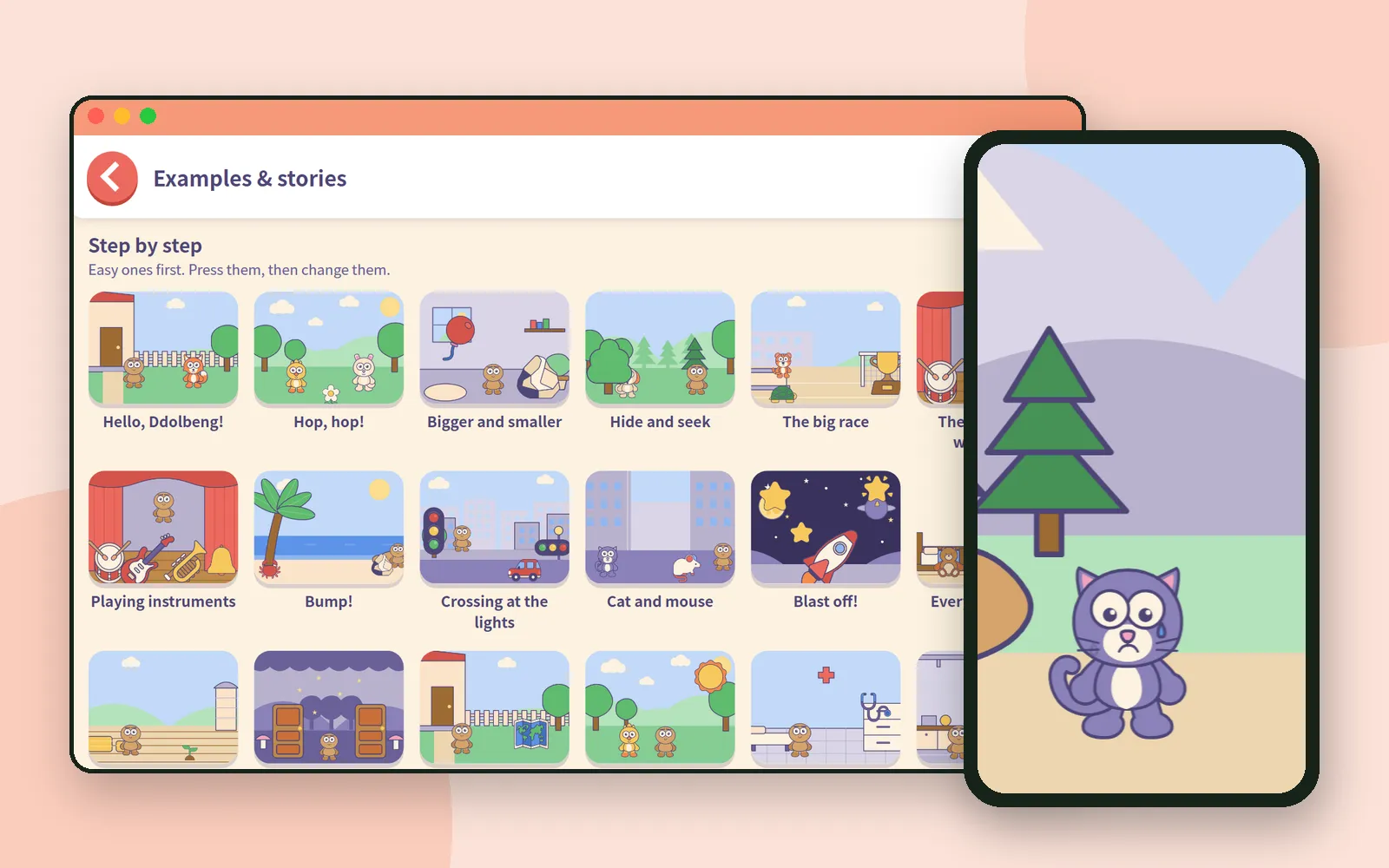 Block codingNo need to start from a blank stage: examples and storybooks in Scratch for Children 2Scratch for Children 2 has a shelf of finished examples and storybooks. Children open one, press it, change a block, and the app quietly keeps the original safe.
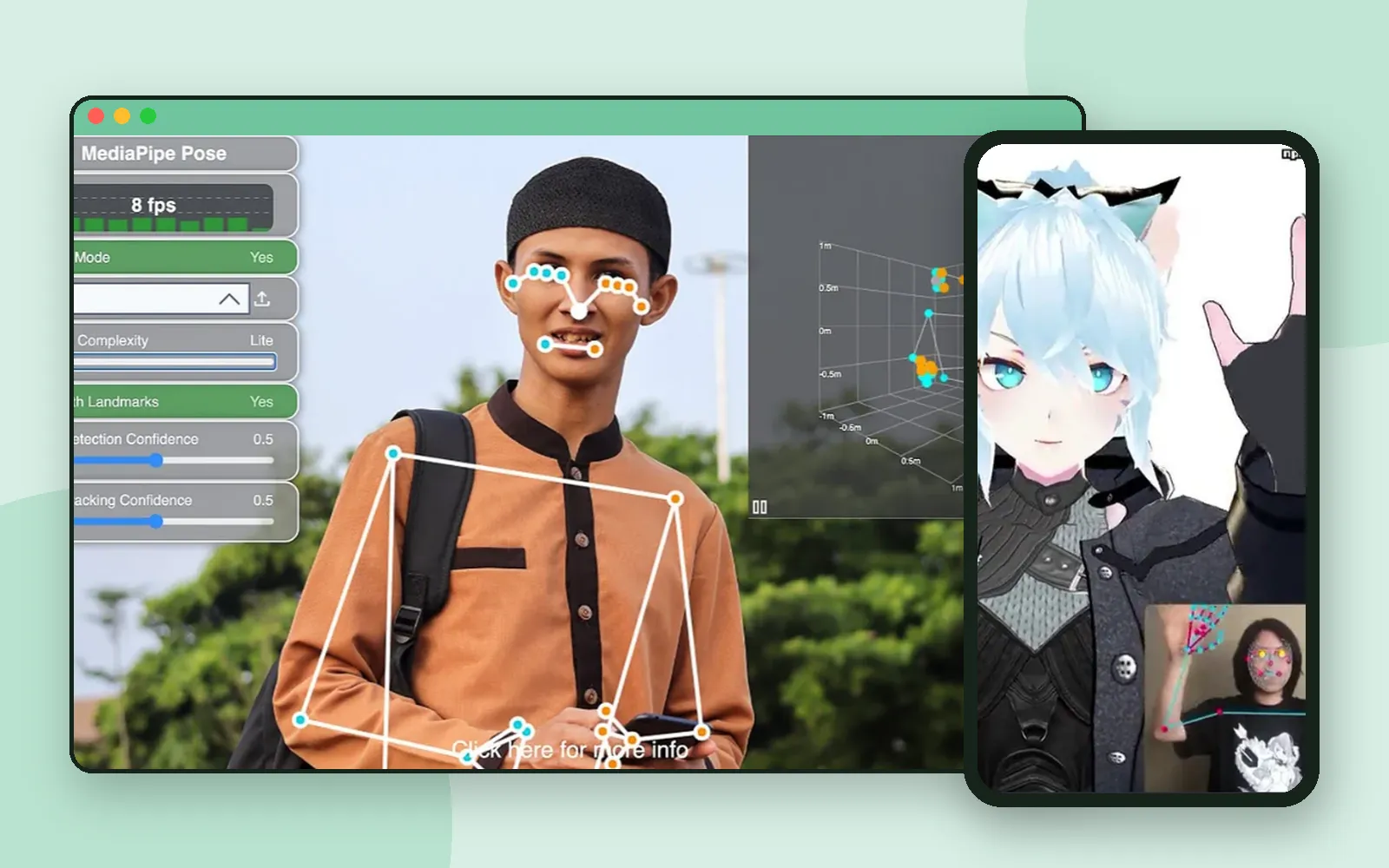 Learning AIMove, and the screen follows: AI you play with a webcamAI Teading's webcam course gathers activities where the computer reads your body: a skeleton that follows you, a character that copies your face, and games you play by moving.
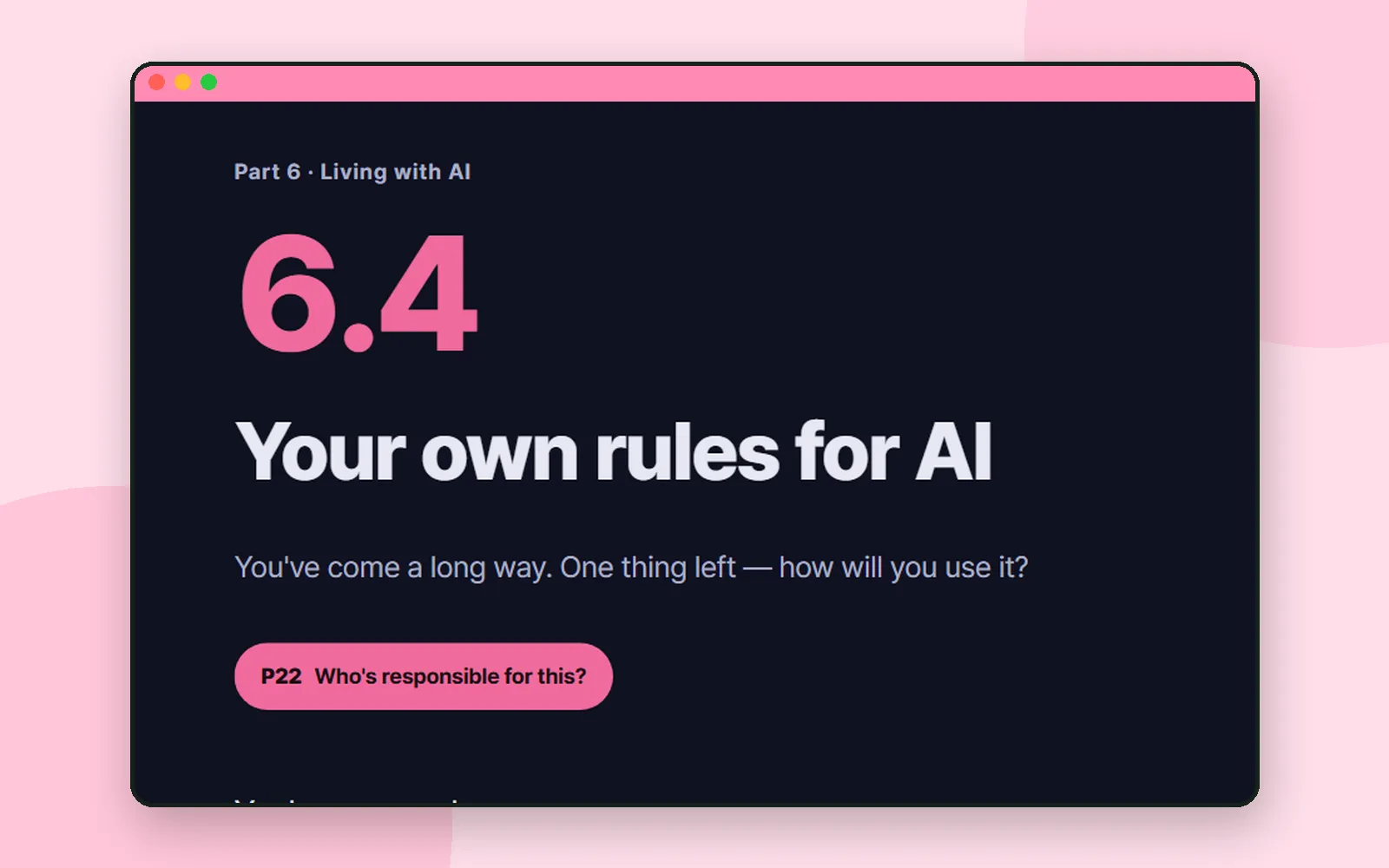 Learning AIThree lines of your own: the last chapter of AI Teading TeensAI Teading Teens ends by handing teenagers three tests and asking them to write three rules: what to hand over, what to do themselves, and what to always check.
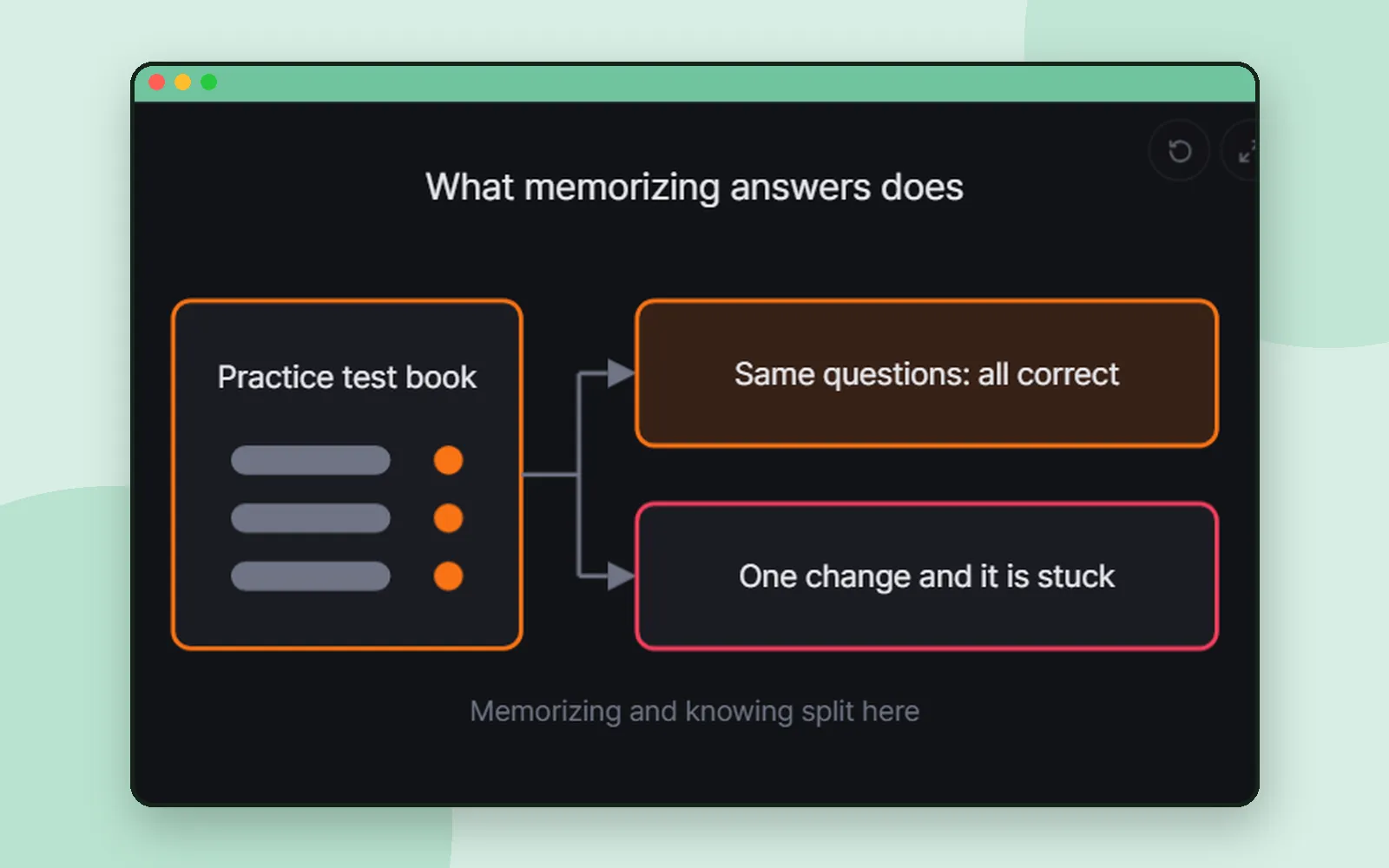 AI toolsOverfitting, explained: the student who memorized the answer keyAn AI that aces its practice data and fails on anything new has overfitted. Aha AI explains it with one analogy, then gives you two ways to watch it happen yourself.
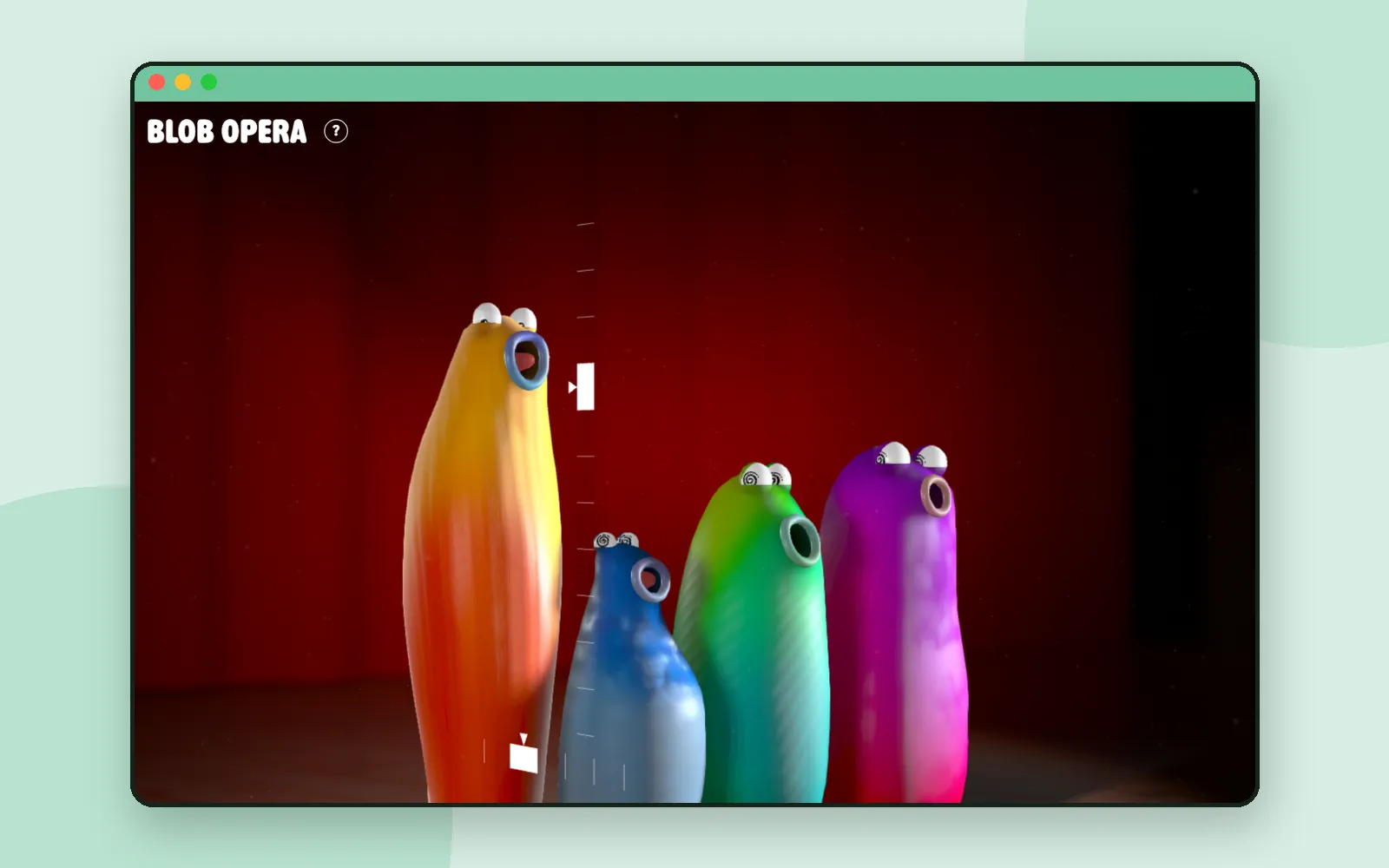 Learning AISing with AI: Blob Opera, where you lead and the blobs harmonizeDrag one blob up and it sings higher; the others answer in harmony. Blob Opera, by David Li with Google Arts & Culture, turns machine learning into a choir you conduct with one finger.
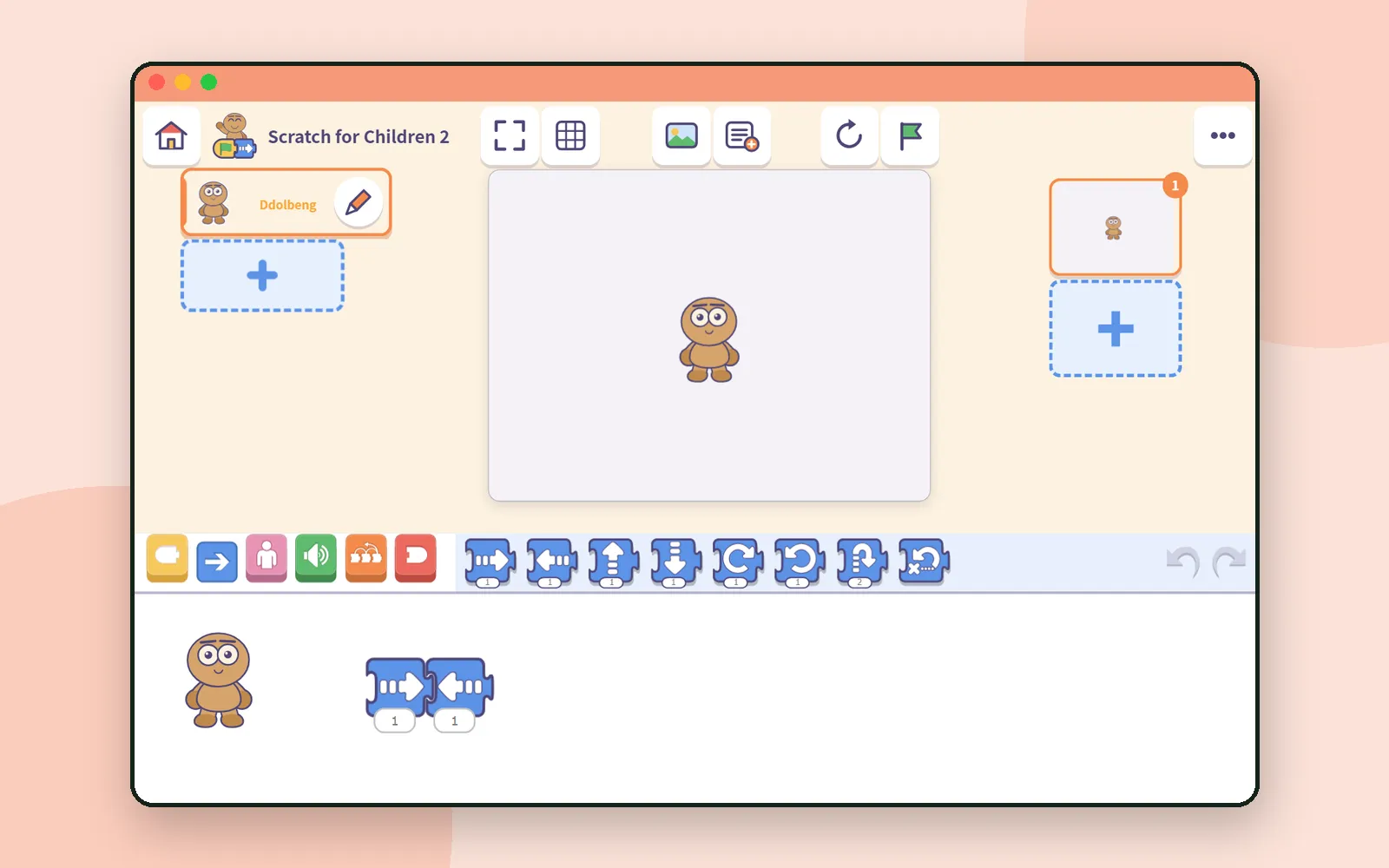 Block codingSharing project files in class with Scratch for Children 2Scratch for Children 2 has no accounts, so each project lives on one device. To hand out an example or collect children's work, you use a file. Here is how it works, step by step.
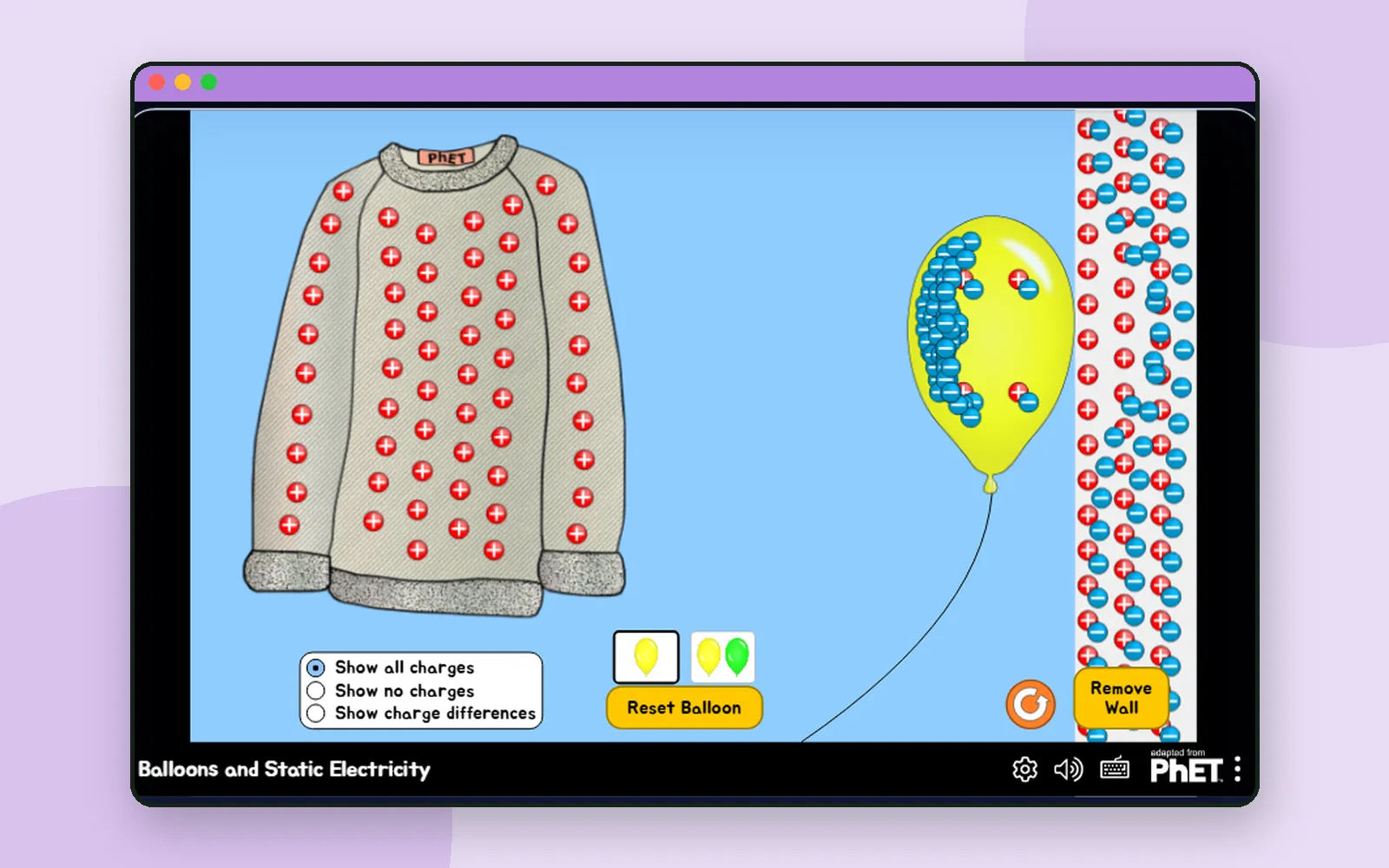 Science & mathWhy a balloon pulls your hair up: the first lesson of Nudge's 'The force you can't see'Rub a balloon on a sweater and something moves across. Predict what, then watch it happen in a PhET simulation. A walk through the first lesson of Nudge's course on electricity.
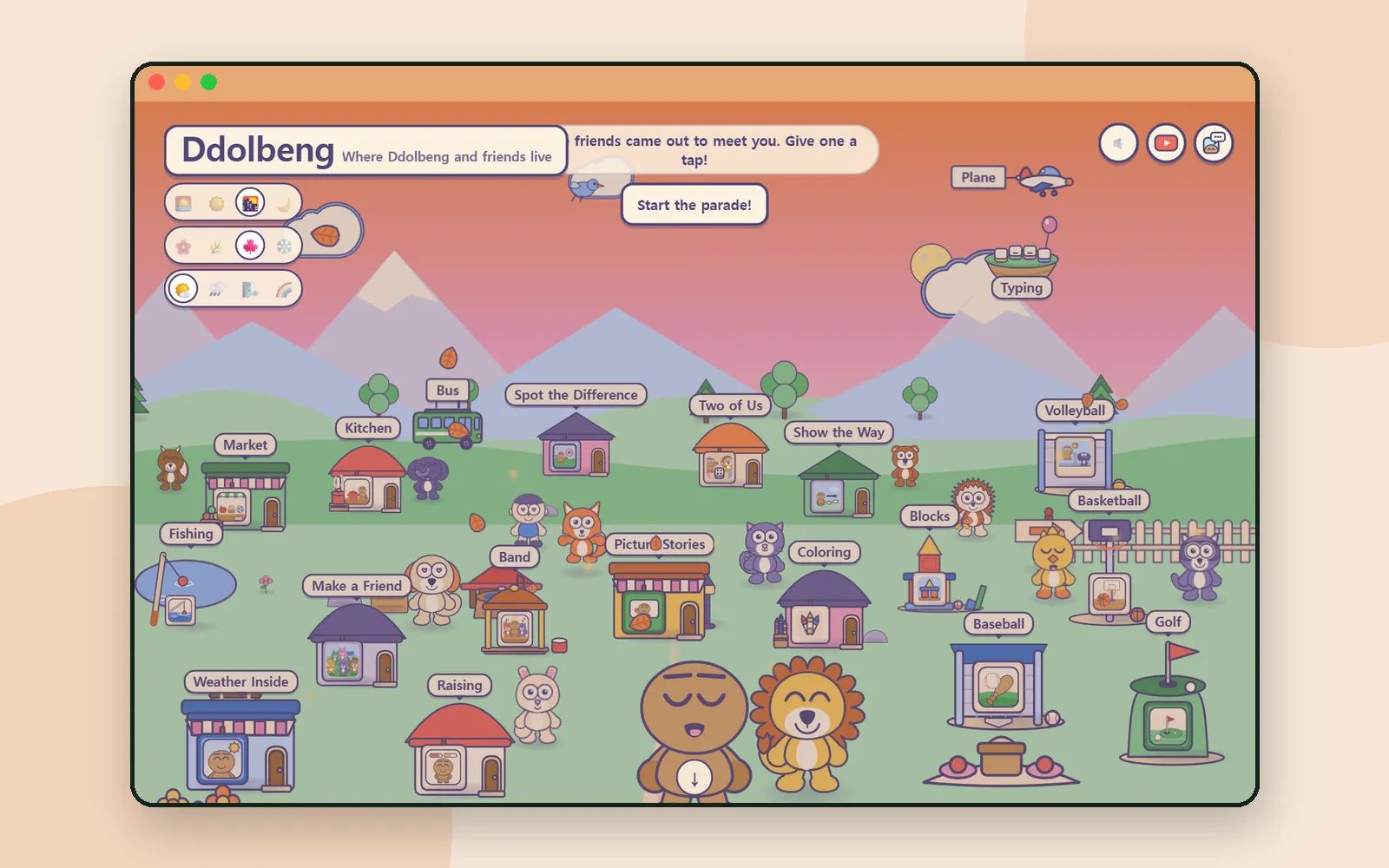 PlayWhich Ddolbeng game? Pick by what you'd like your child to practiseLooking closely, copying colors, shape and balance, taking turns: the Ddolbeng village has a game for each. How to find them, and what each one asks of a child.
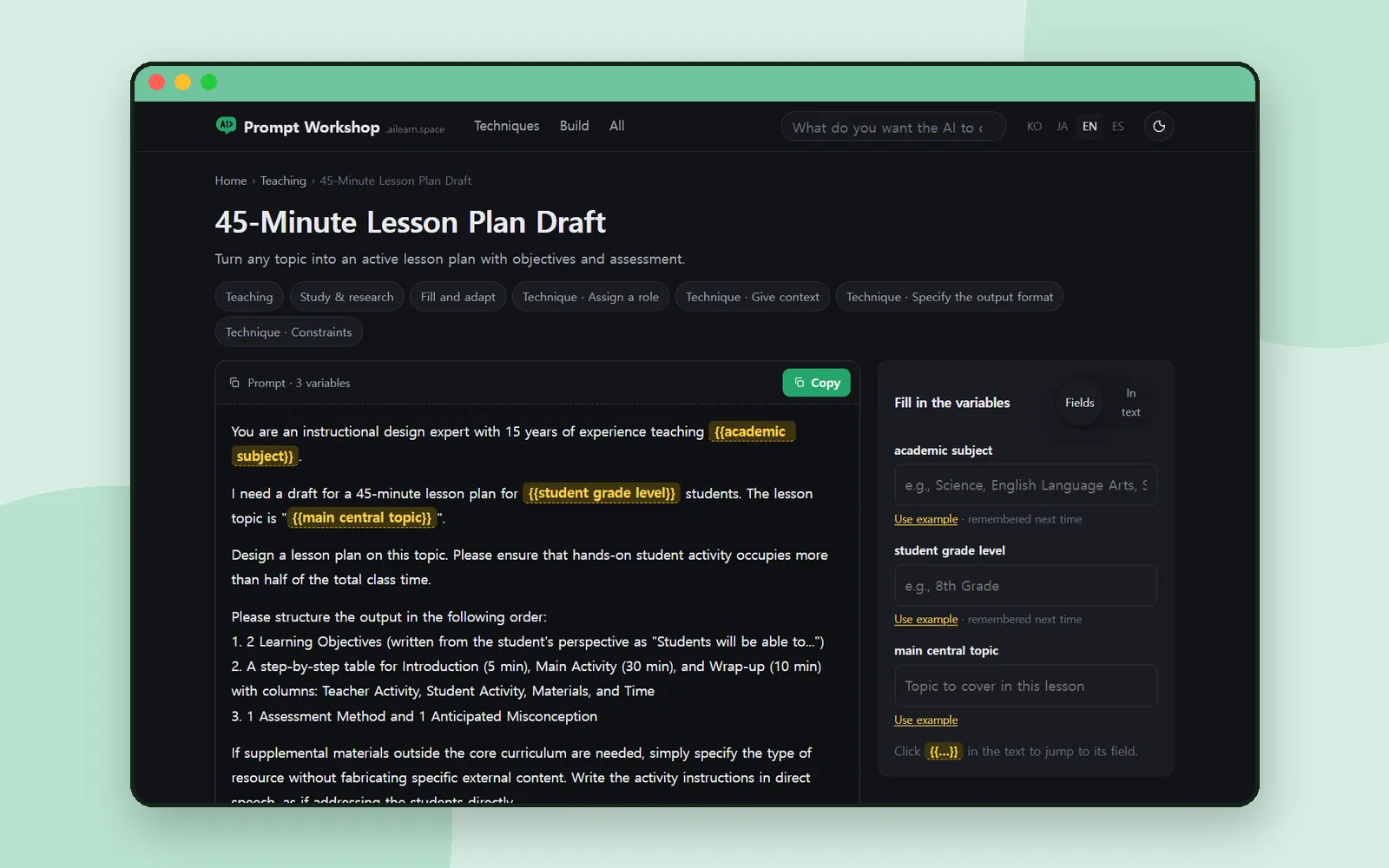 AI toolsA 45-minute lesson plan prompt that keeps students doing, not listeningAsk an AI for a lesson plan and you often get a lecture. This Prompt Workshop prompt pins down the timing, the table and the student activity so you don't.
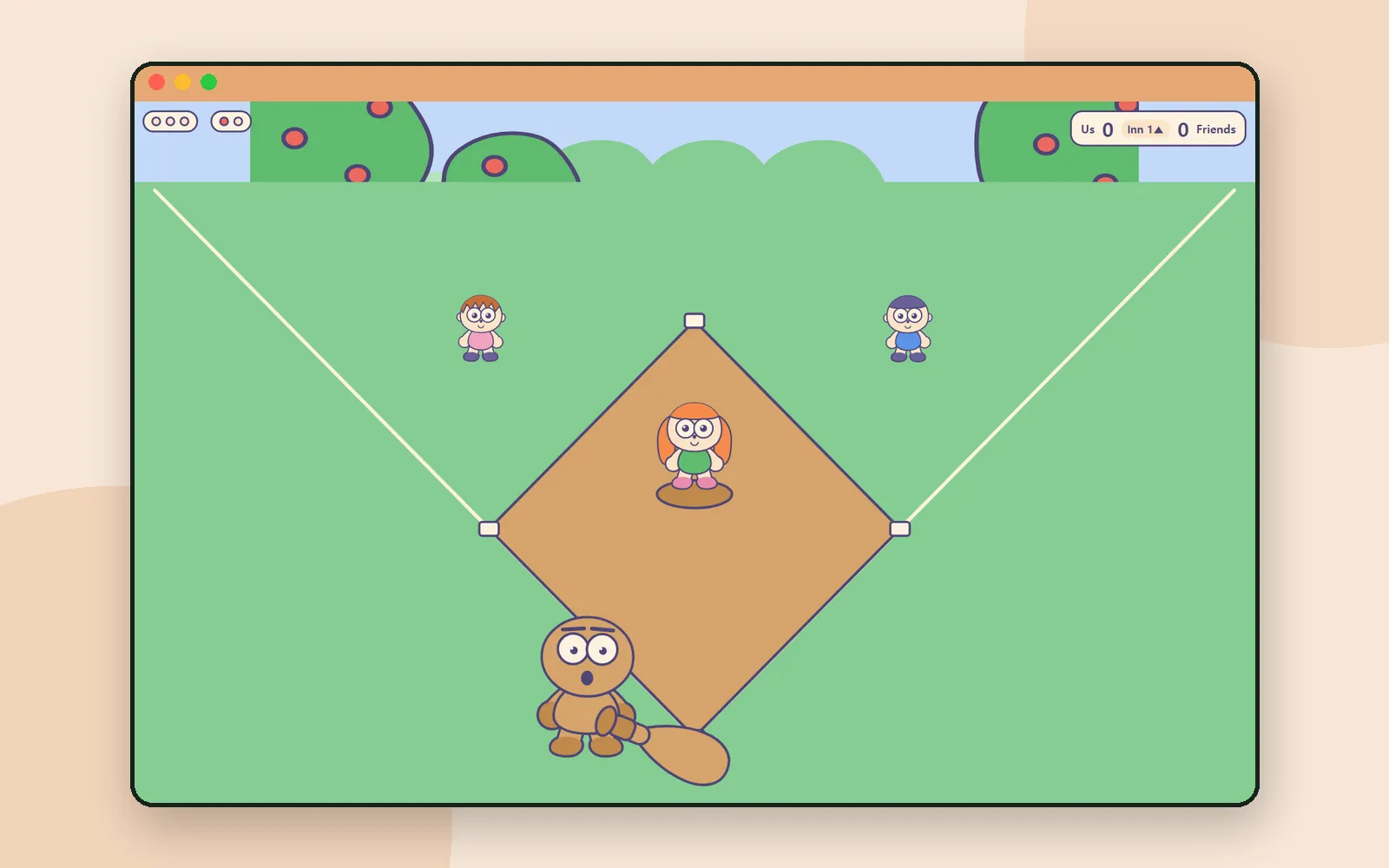 PlayDdolbeng's sports games: a tap at the right momentPress once as the ball arrives. Tap when the float really goes under. Steer a plane with one finger. Ddolbeng's sports games turn timing into play.
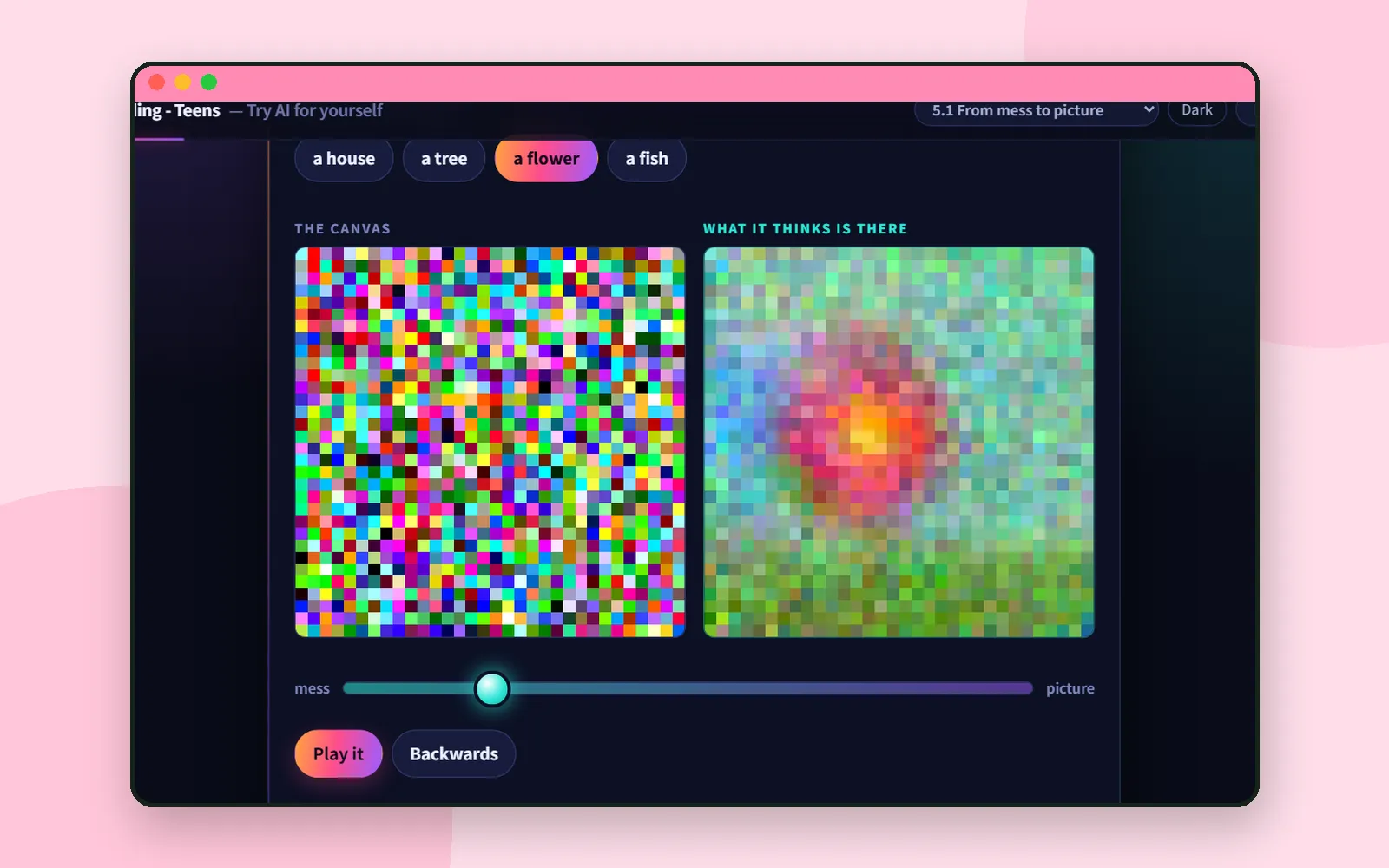 Learning AIFrom mess to picture: how a picture-making AI actually drawsA picture-making AI doesn't draw lines. It starts from a mess and takes away what doesn't fit. AI Teading Teens lets you watch it happen with a slider.
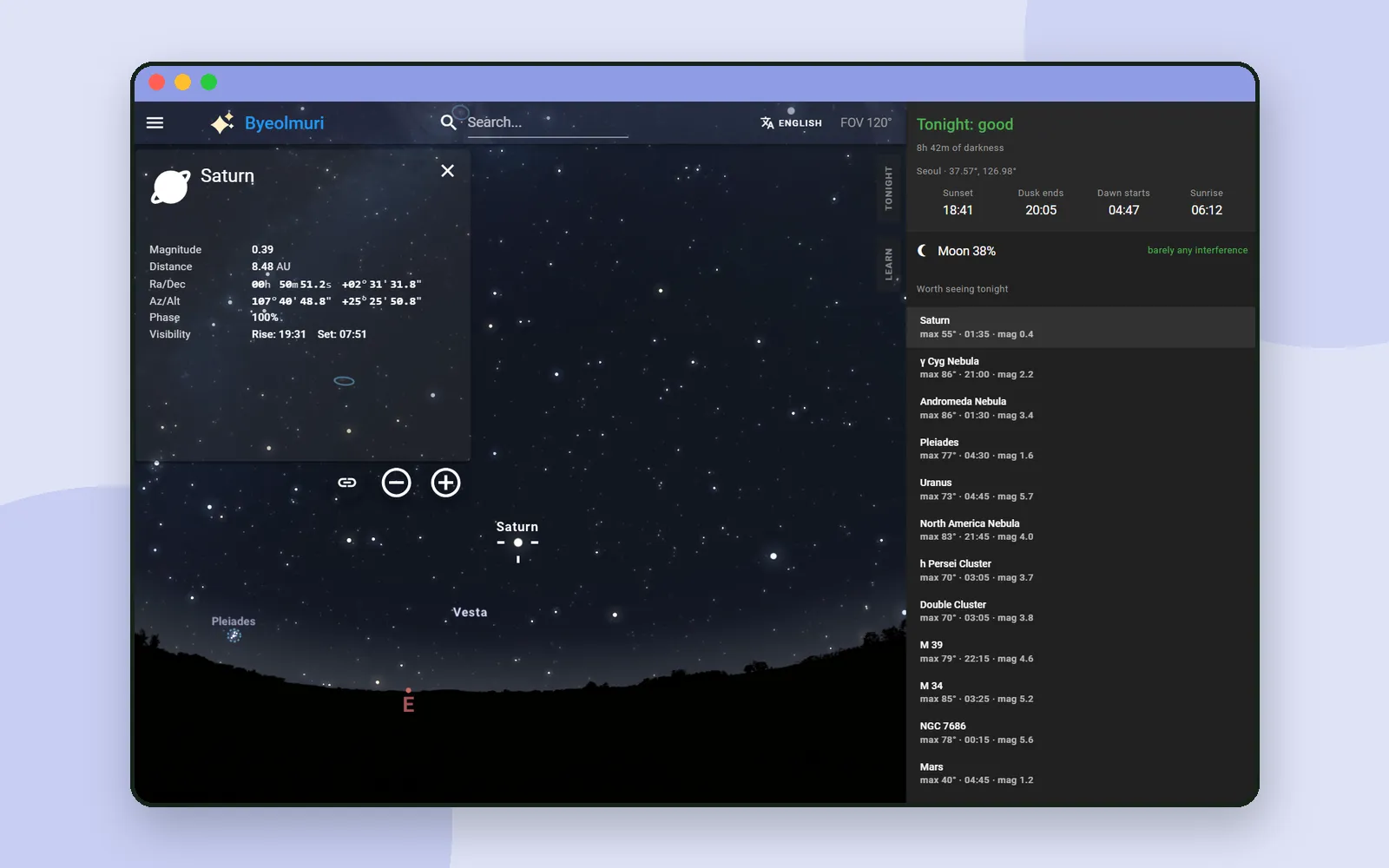 Science & mathByeolmuri Tonight: decide what to look at before you step outsideEvery Byeolmuri lesson ends outdoors. The Tonight tab is where you plan that trip: how dark it gets, what the Moon is doing, and what's worth finding.
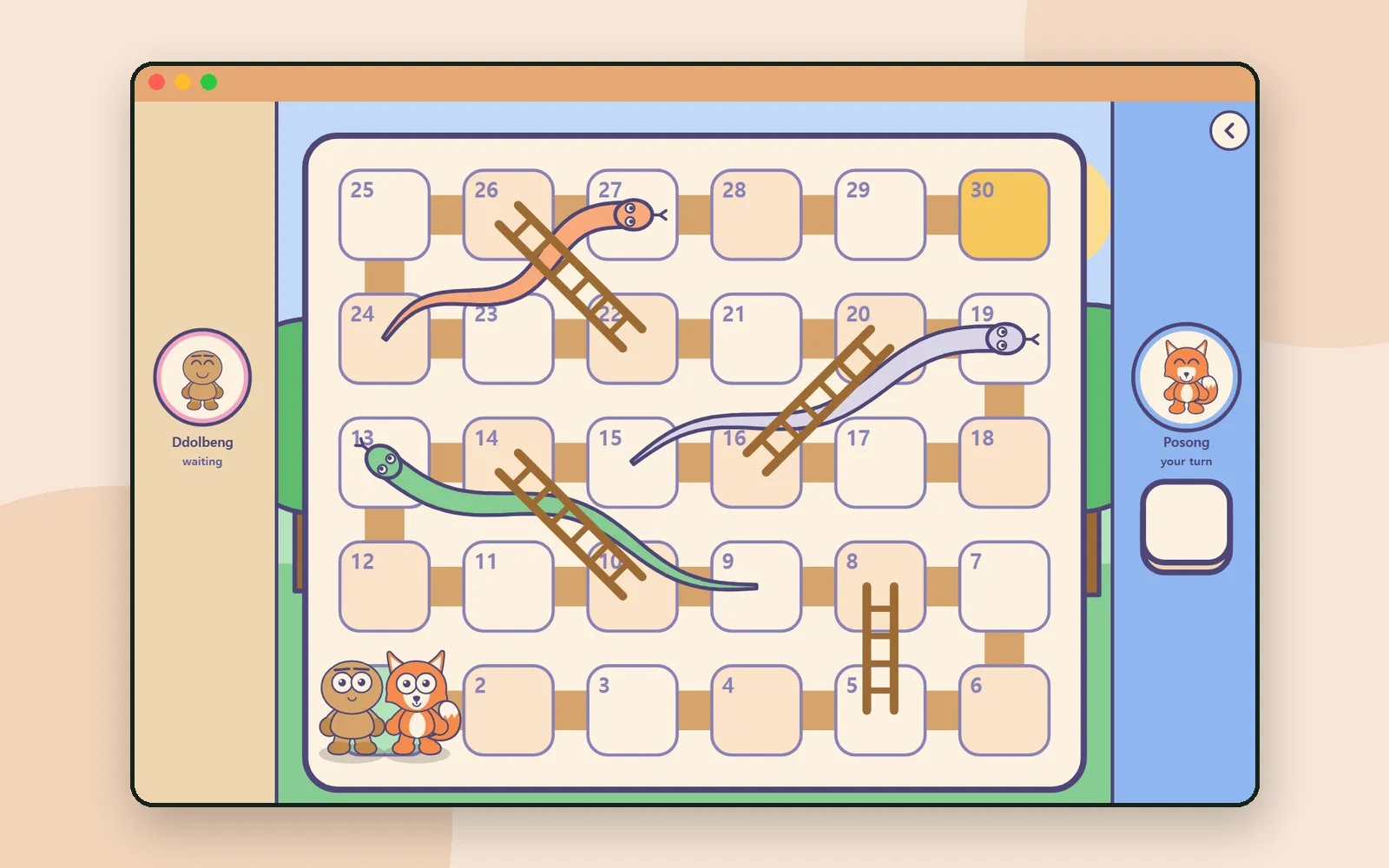 PlayDdolbeng Two of Us: one tablet, two children, one dieTwo children sit side by side and take turns with the die. The game ends only when both friends reach the goal. A step-by-step look at Ddolbeng Two of Us.
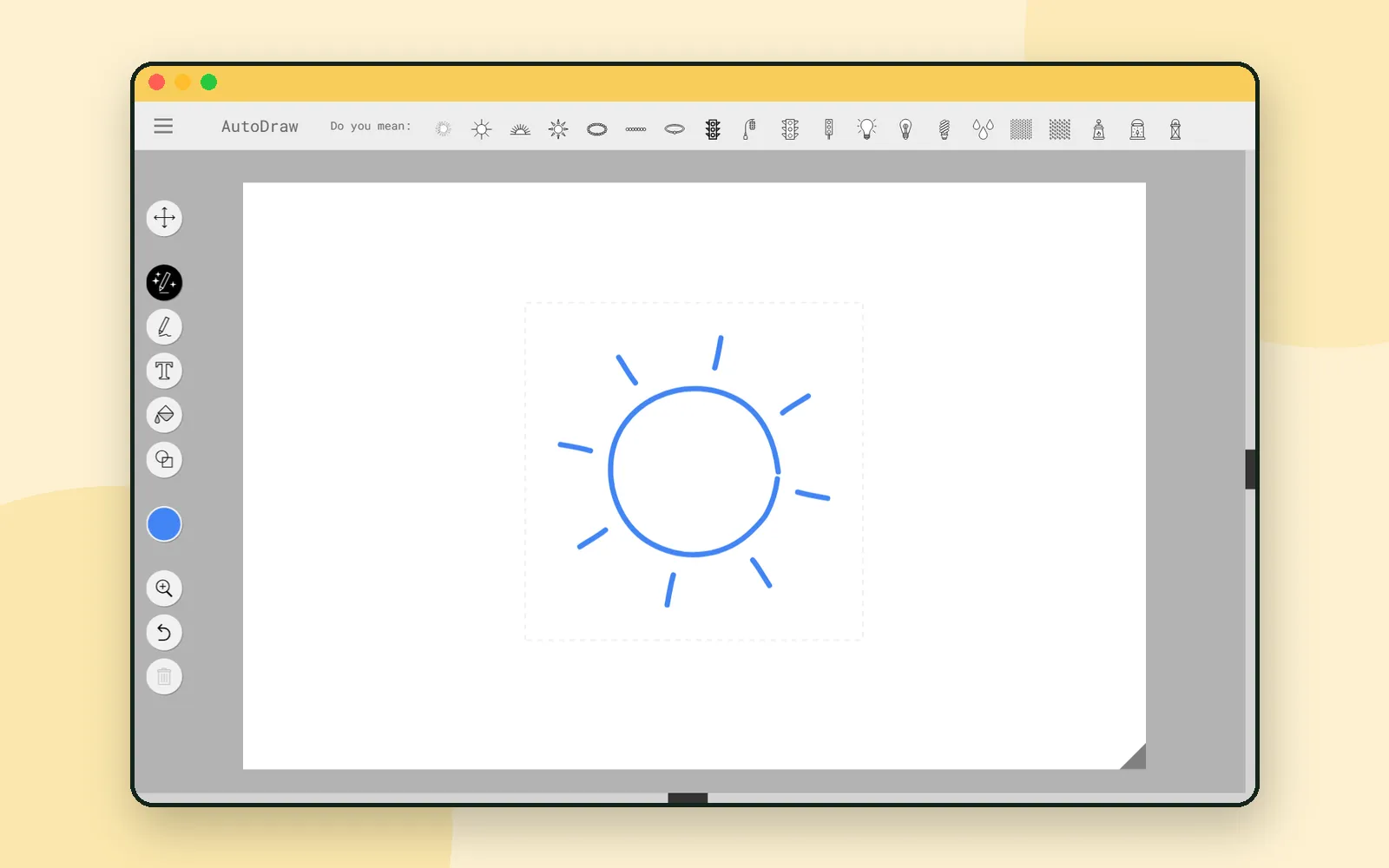 Learning AIAutoDraw: let the machine guess what you scribbledDraw a wobbly sun and AutoDraw offers a neat one. It's a fun ten minutes, and a very good way to talk with a child about how a machine recognises shapes.
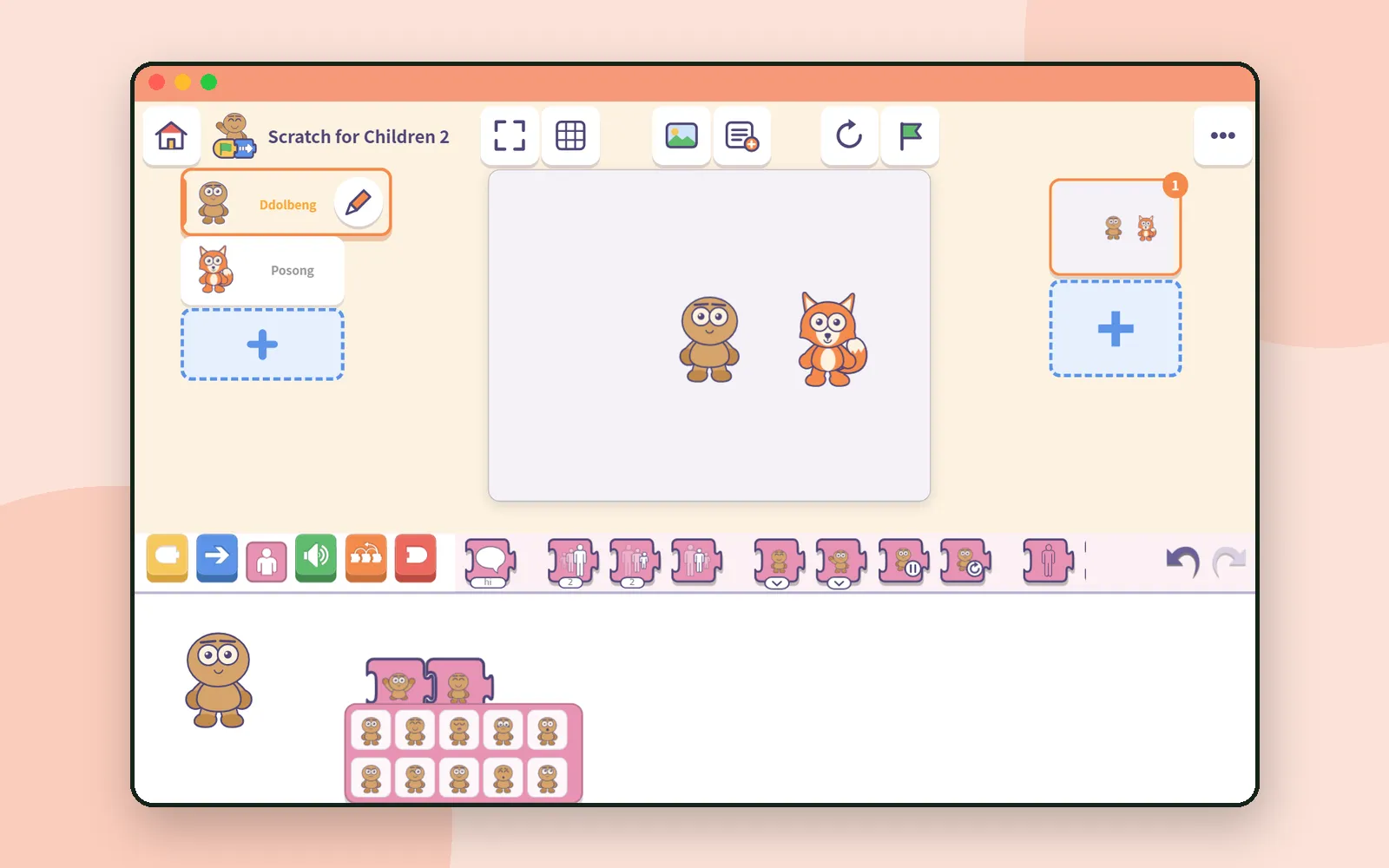 Block codingScratch for Children 2: give a character a face and a moveA story needs feelings. In Scratch for Children 2, a child picks a friend's face and move from pictures, then makes it talk. Here's how the looks blocks work.
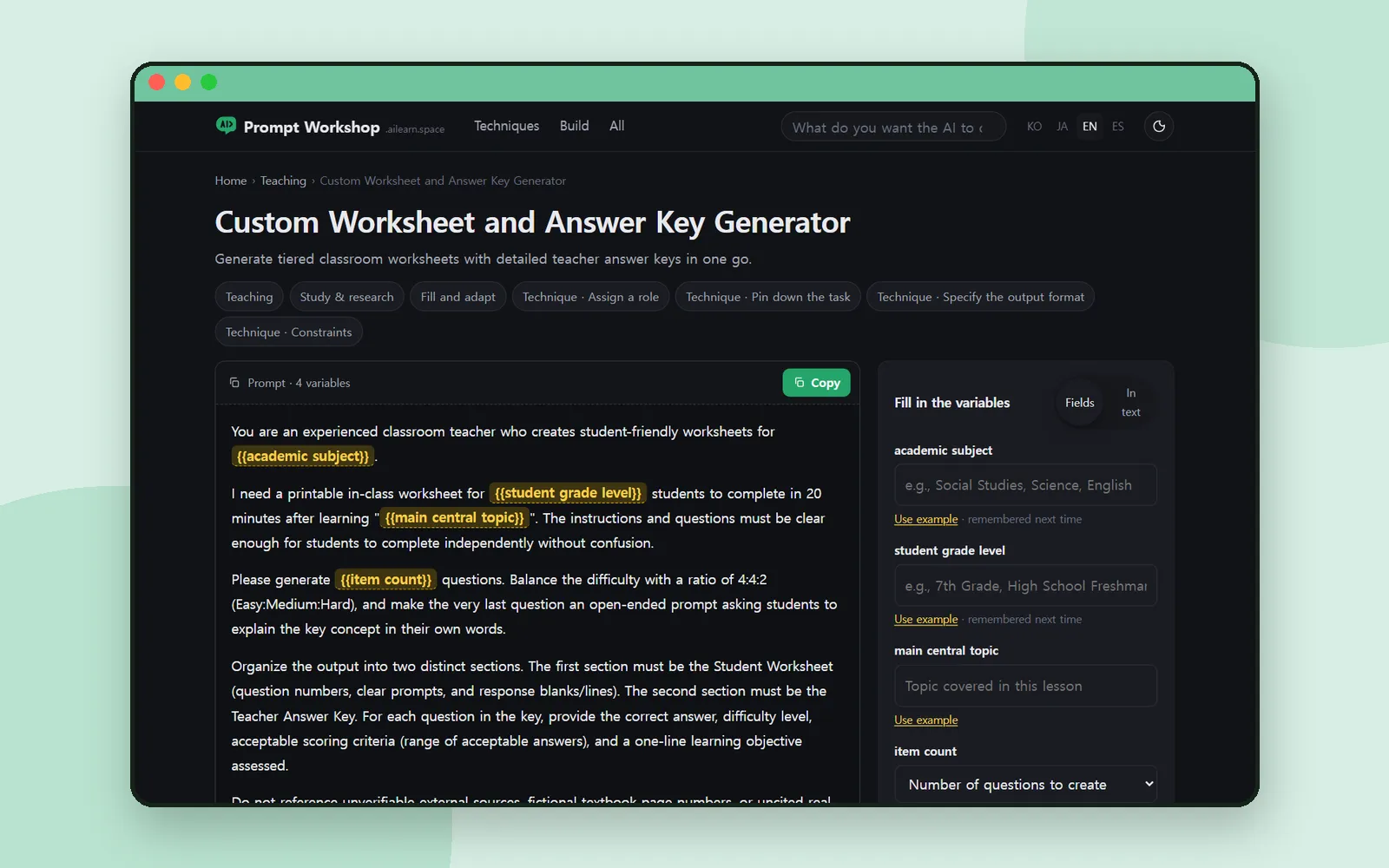 AI toolsPrompt Workshop: fill in the blanks, copy, and see why it worksMost prompt lists hand you a paragraph and leave you guessing. Prompt Workshop has you fill in the variables, copy, and read why each line is there.
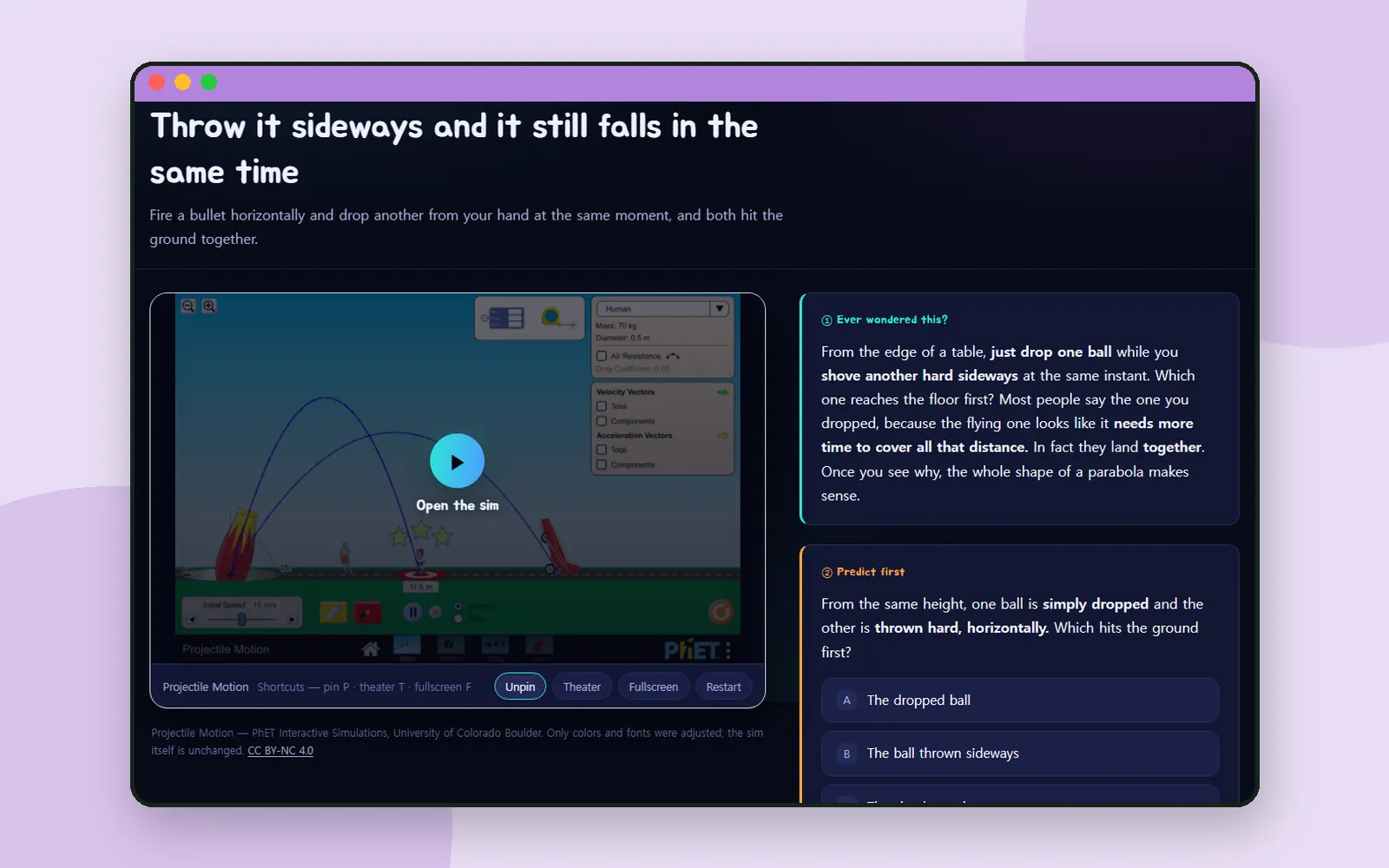 Science & mathNudge: predict first, then touch the scienceDrop one ball and throw another sideways. Which lands first? Nudge asks you to predict before you touch the simulation. Here's how one lesson works.
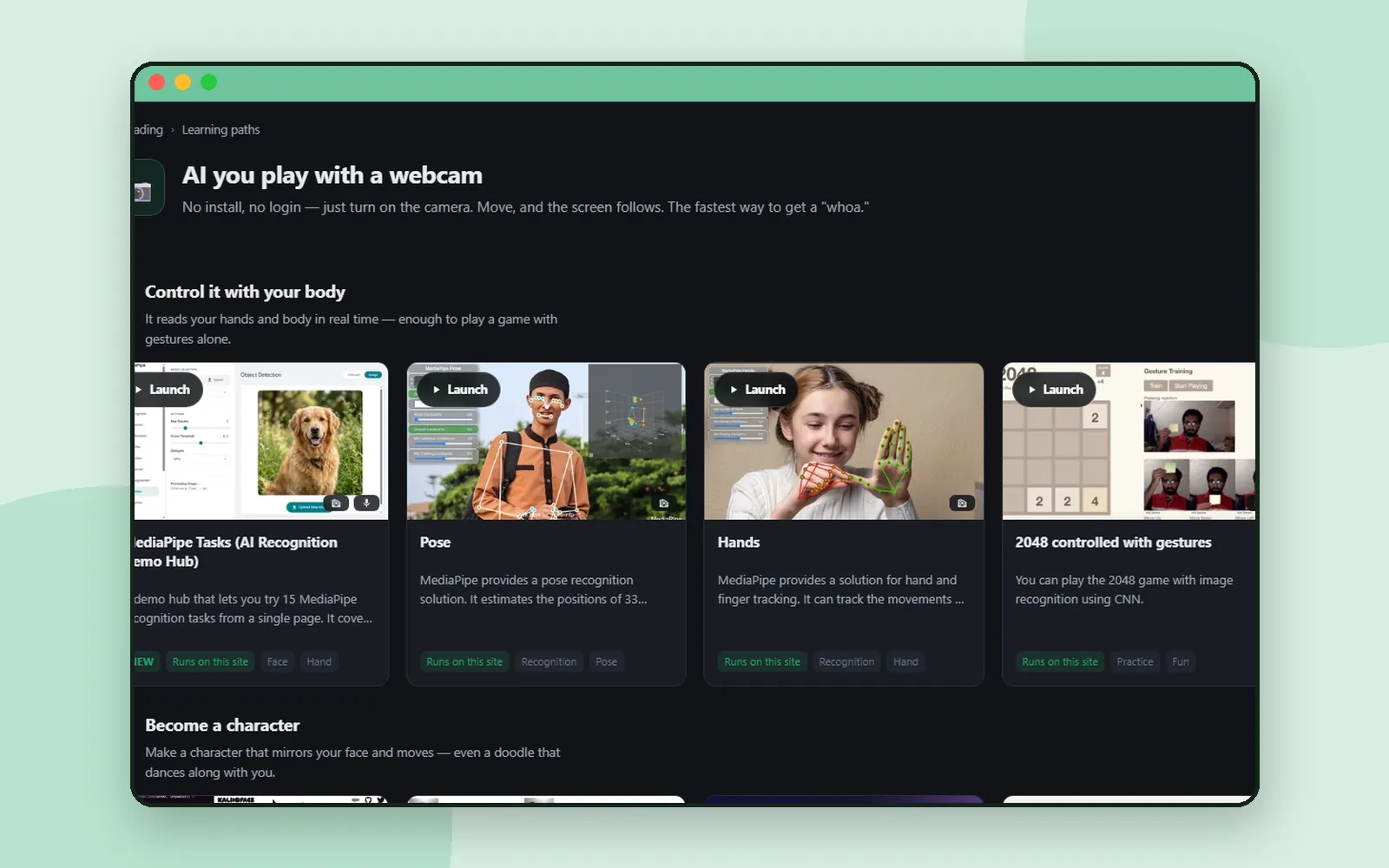 Learning AIAI Teading: a hands-on AI lab you try in the browserWave at a webcam and AI traces your hand; scribble, and it guesses. AI Teading gathers AI to try in the browser. Here's how to find the right one for class.
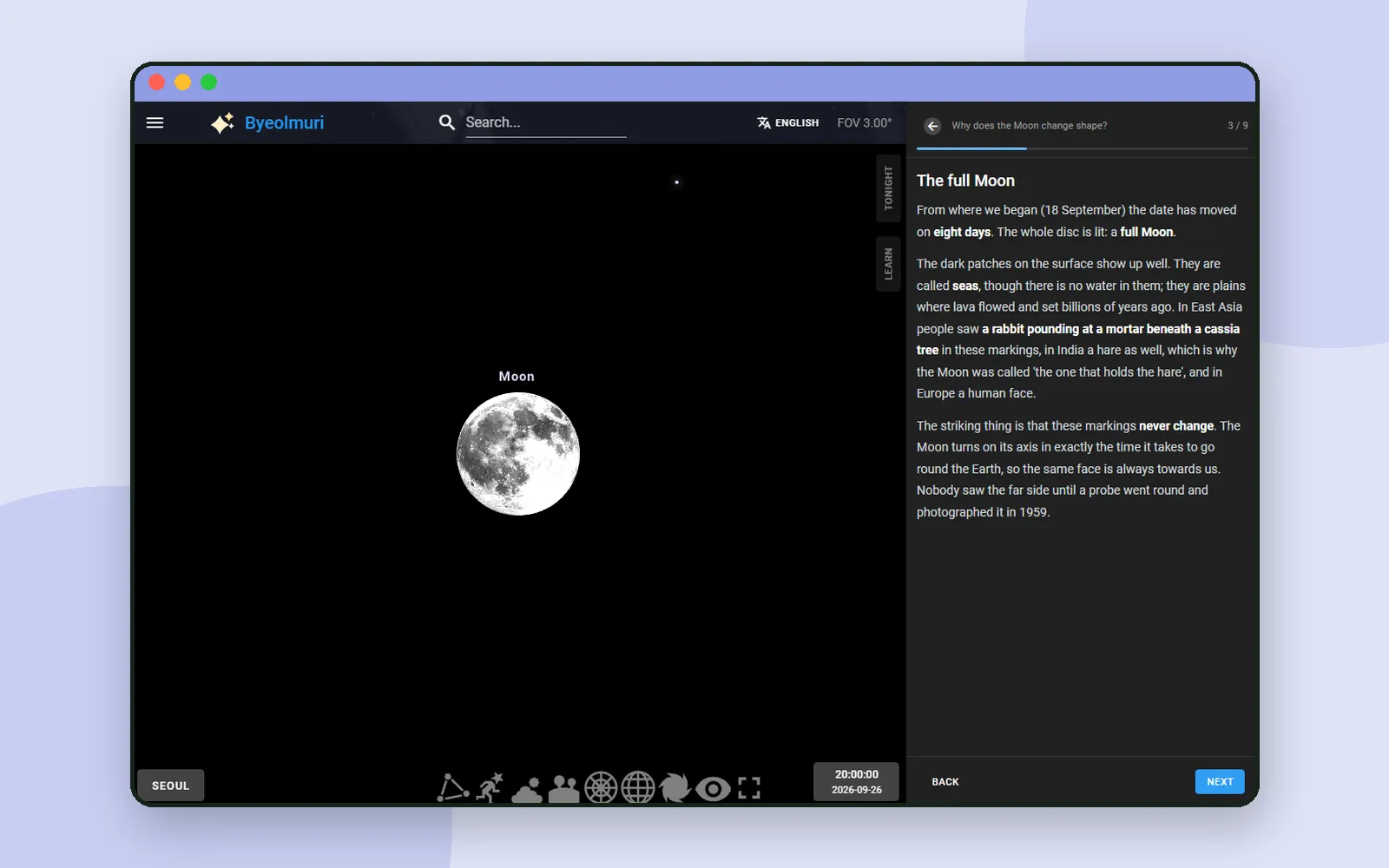 Science & mathByeolmuri: learn the night sky, then go outside and find itIn Byeolmuri the sky on screen is the real sky where you are, and it moves as you read. Here's how a lesson works, from a half Moon to going outside.
 About CodingTeadingCoding for kids: what to try at each ageWhen should kids start coding? There's no single right age, but there is a good first step for each stage. Here's what to try, from before reading to teens.
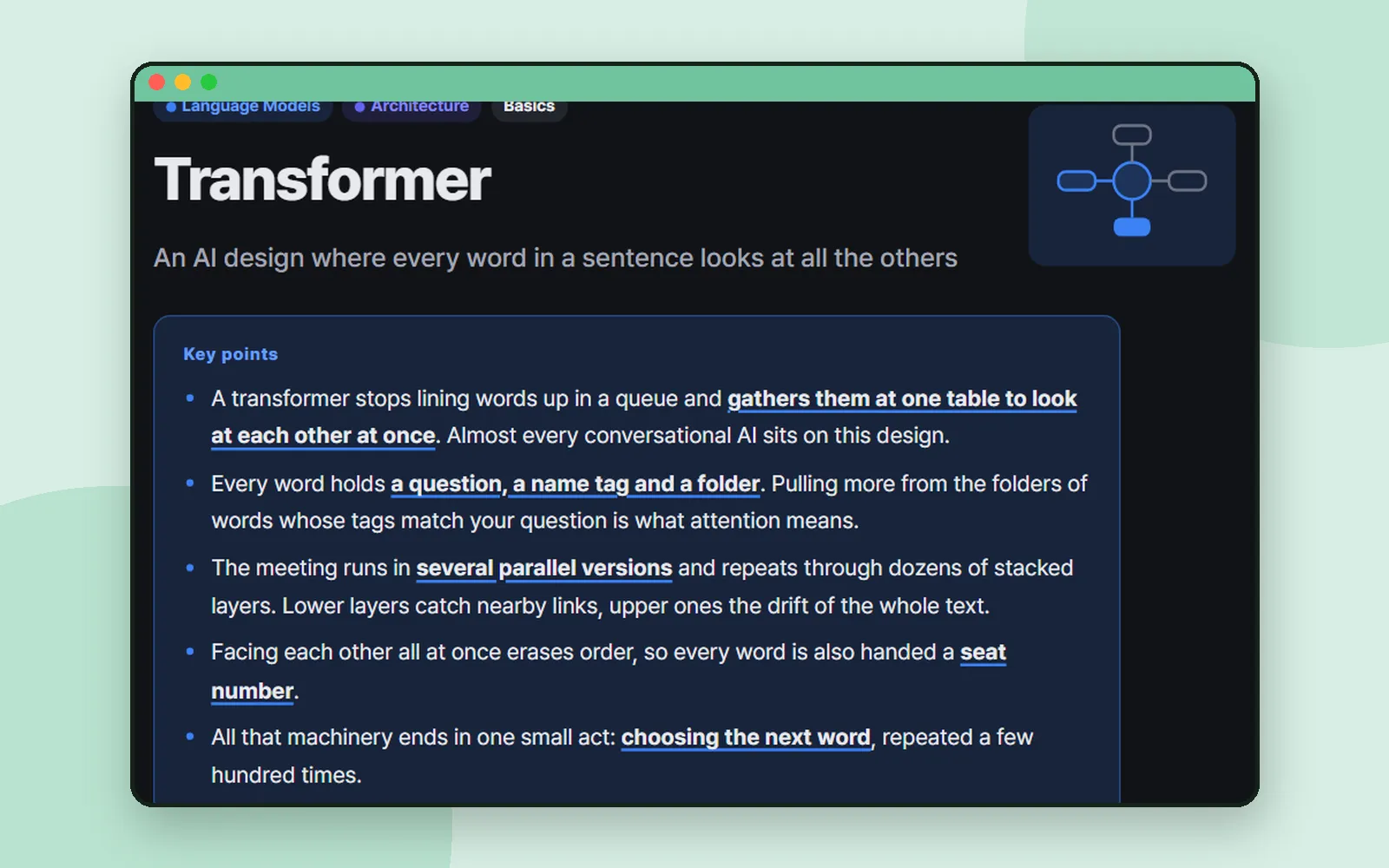 AI toolsAha AI: one everyday analogy for every AI termWhat's a token? A transformer? Aha AI explains each AI term with one everyday analogy, then points you to a tool to try it. Here's how a term page works.
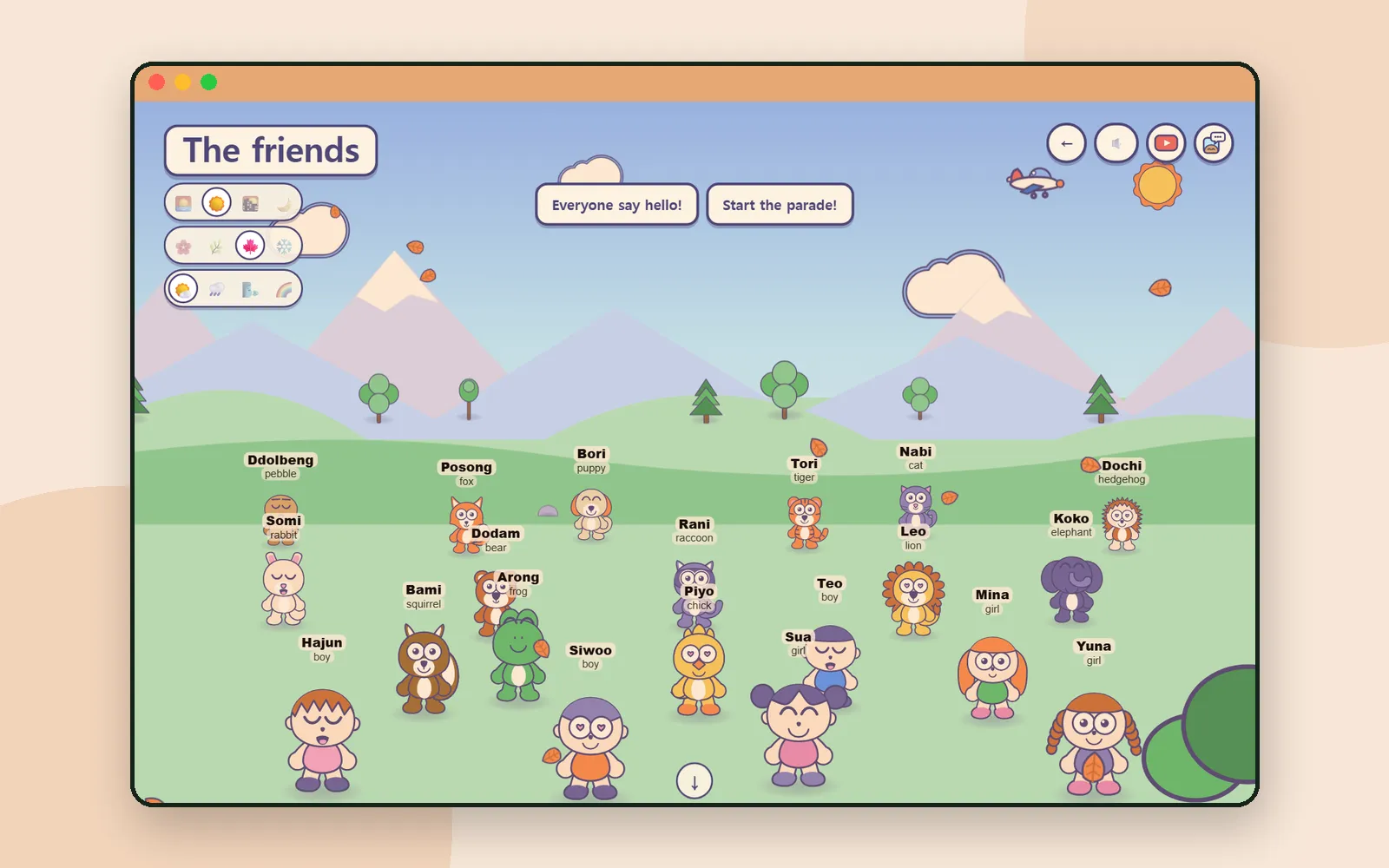 PlayMeet Ddolbeng and friendsA pebble, a fox, a puppy, a chick and many more. Meet the friends who show up across Ddolbeng, Scratch for Children 2 and AI Teading Kids.
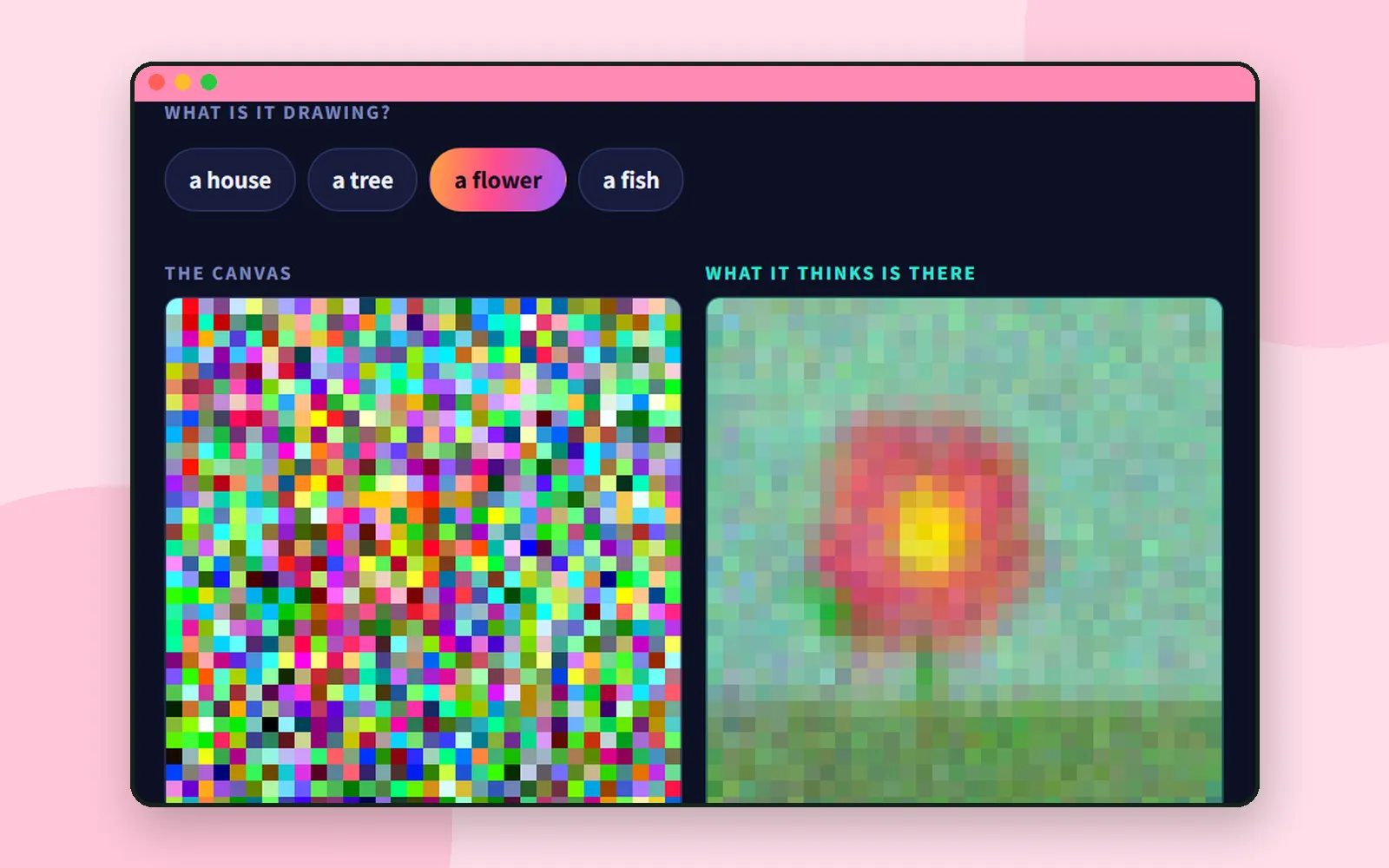 Learning AIAI Teading Teens: a hands-on book about how AI worksAn online book where kids aged 11–15 find out how AI sees, hears, learns and talks by turning dials in hands-on labs. What's inside, and where to start.
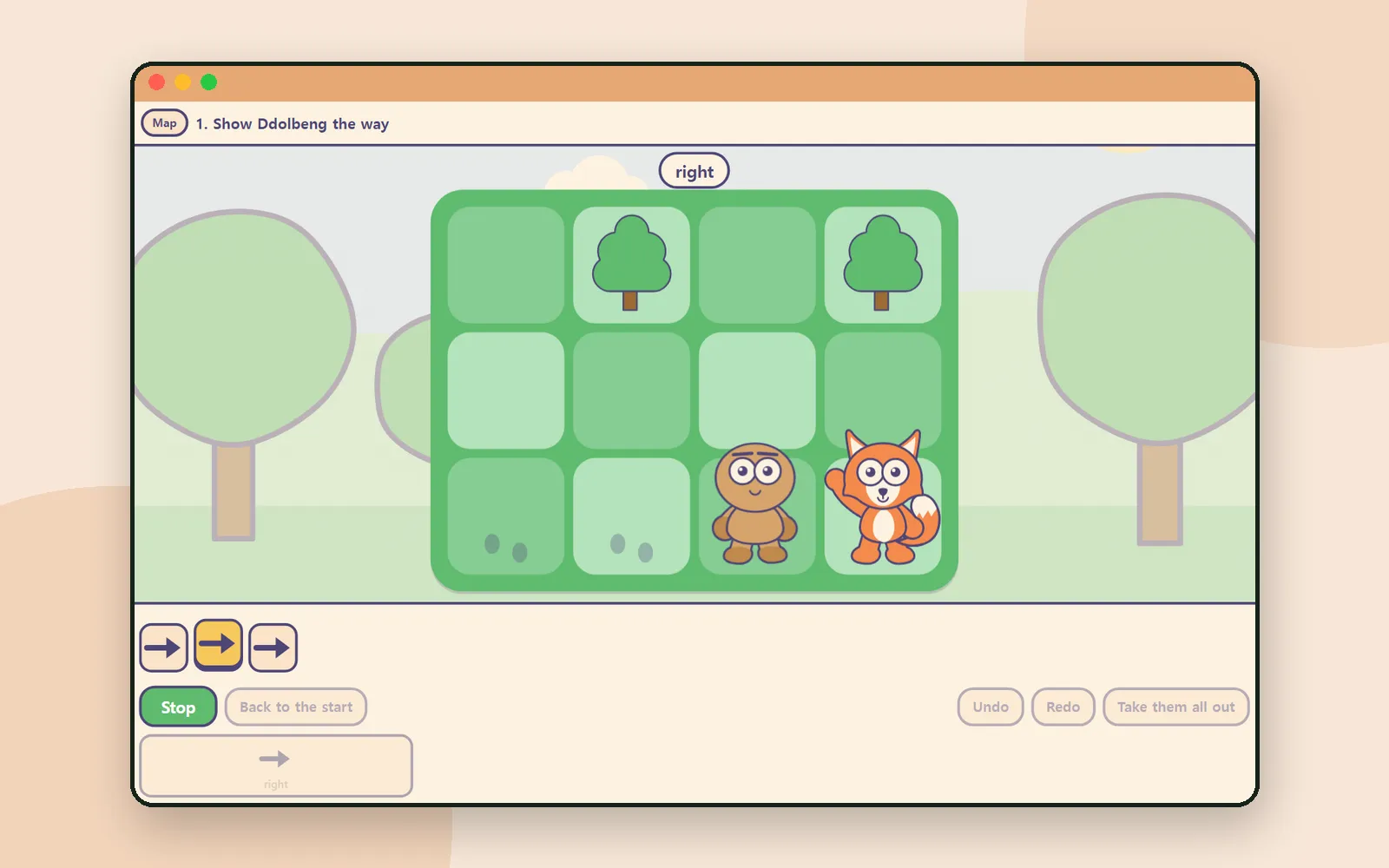 PlayCoding before reading: Ddolbeng Show the WayLay out arrow cards, press Go, and a friend walks them one square at a time. A step-by-step look at Ddolbeng Show the Way, a first taste of coding.
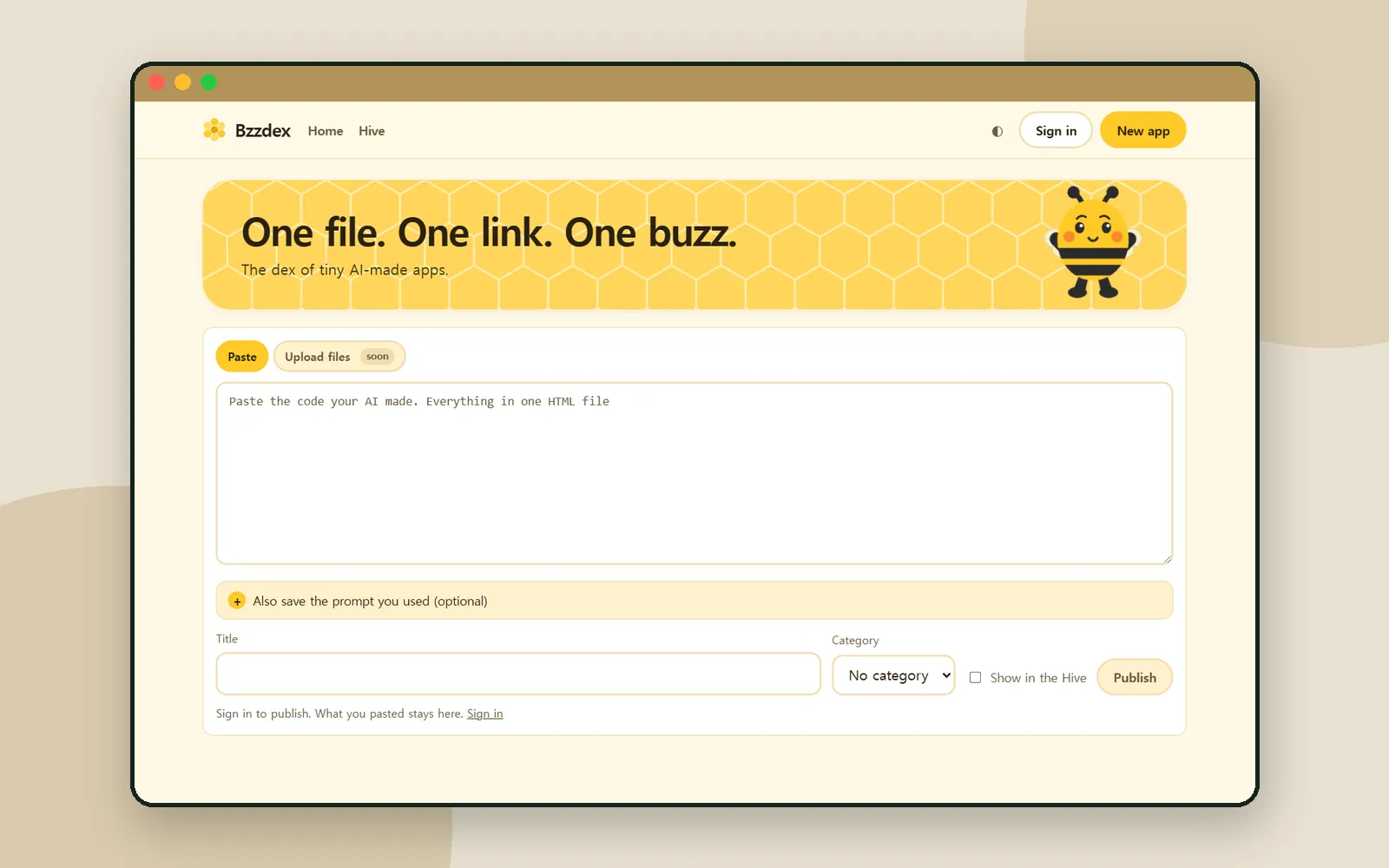 AI toolsBzzdex: turn an AI-made page into an app with its own linkAsked ChatGPT, Claude or Gemini for a little game? Paste the single HTML file into Bzzdex and it becomes an app with its own link. Here's how it works.
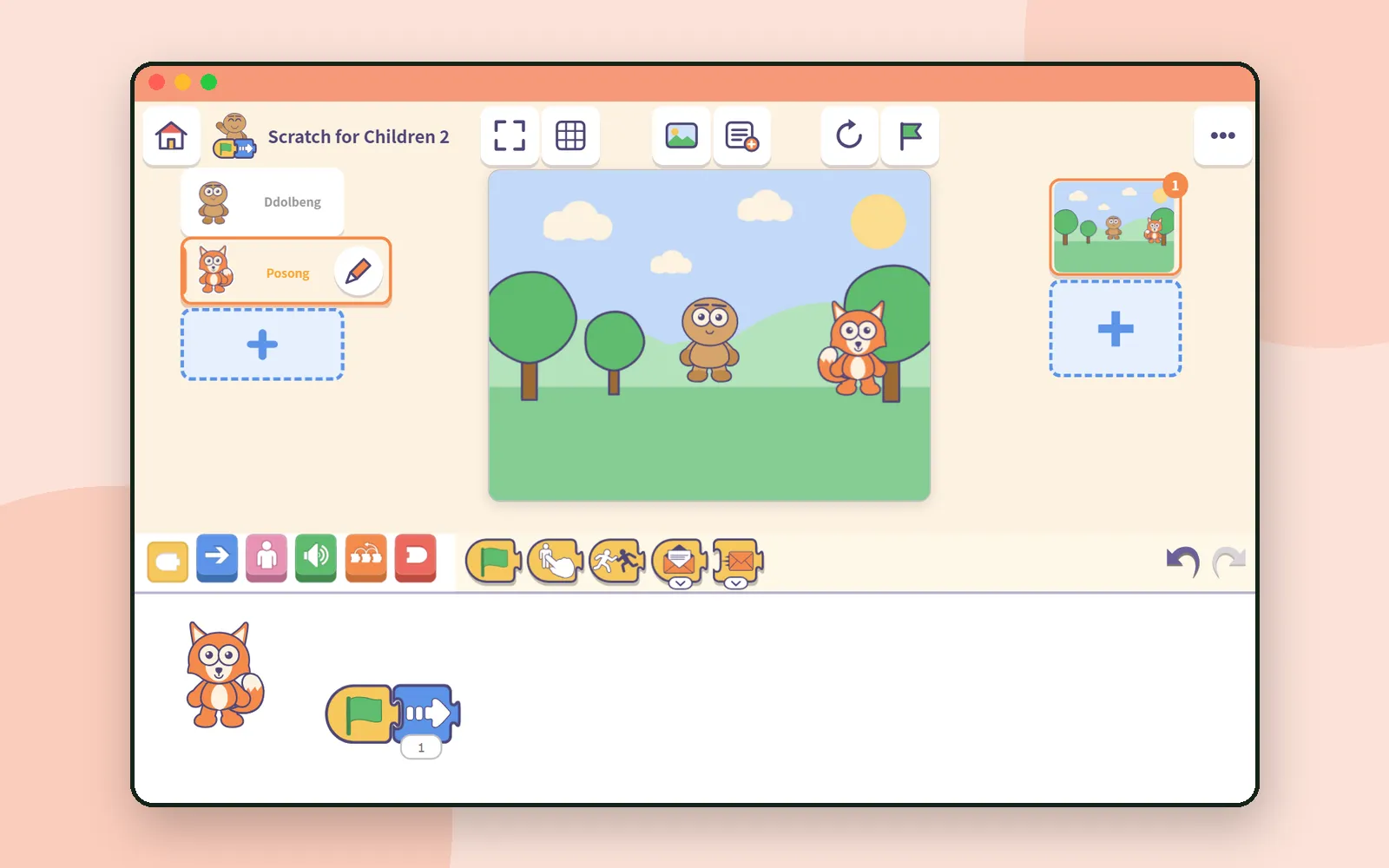 Block codingYour first 30 minutes with Scratch for Children 2Six small steps from an empty stage to a character that moves on the green flag. A screen-by-screen first half hour with Scratch for Children 2, plus tips.
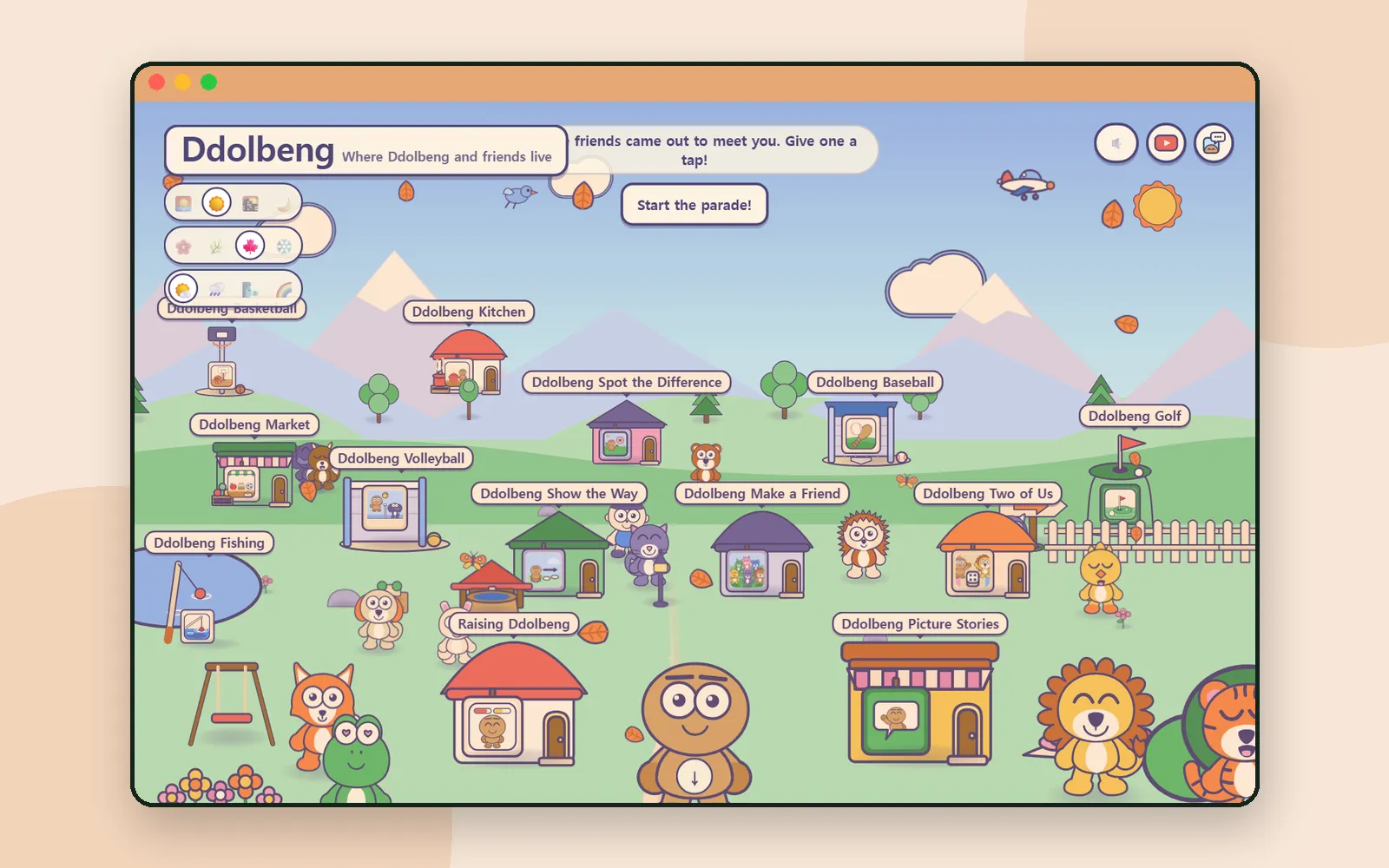 PlayDdolbeng: a playground for little onesA village of tap-to-play games for little ones, made by CodingTeading. What's in Ddolbeng, how kids pick a game without reading, and what it promises families.
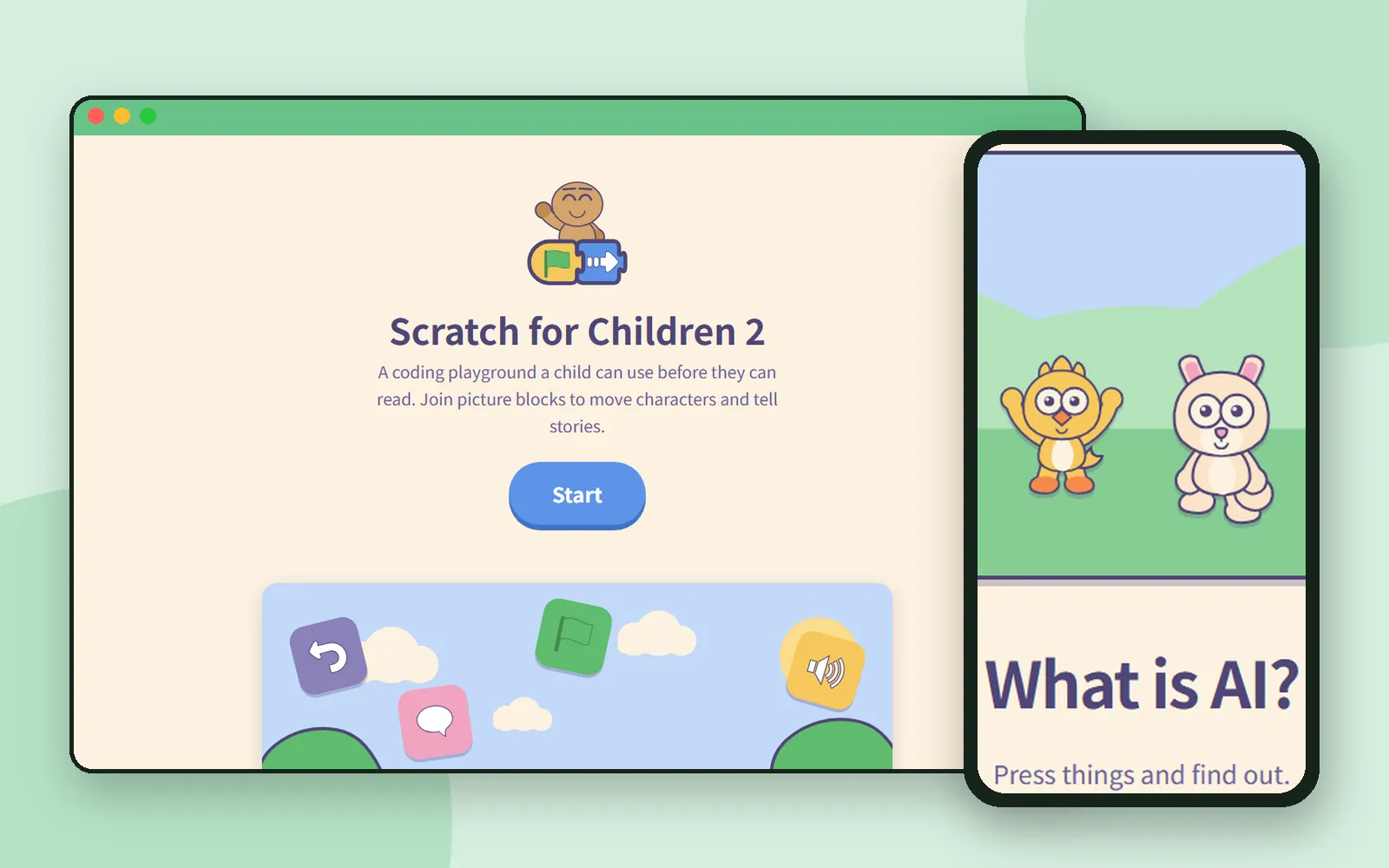
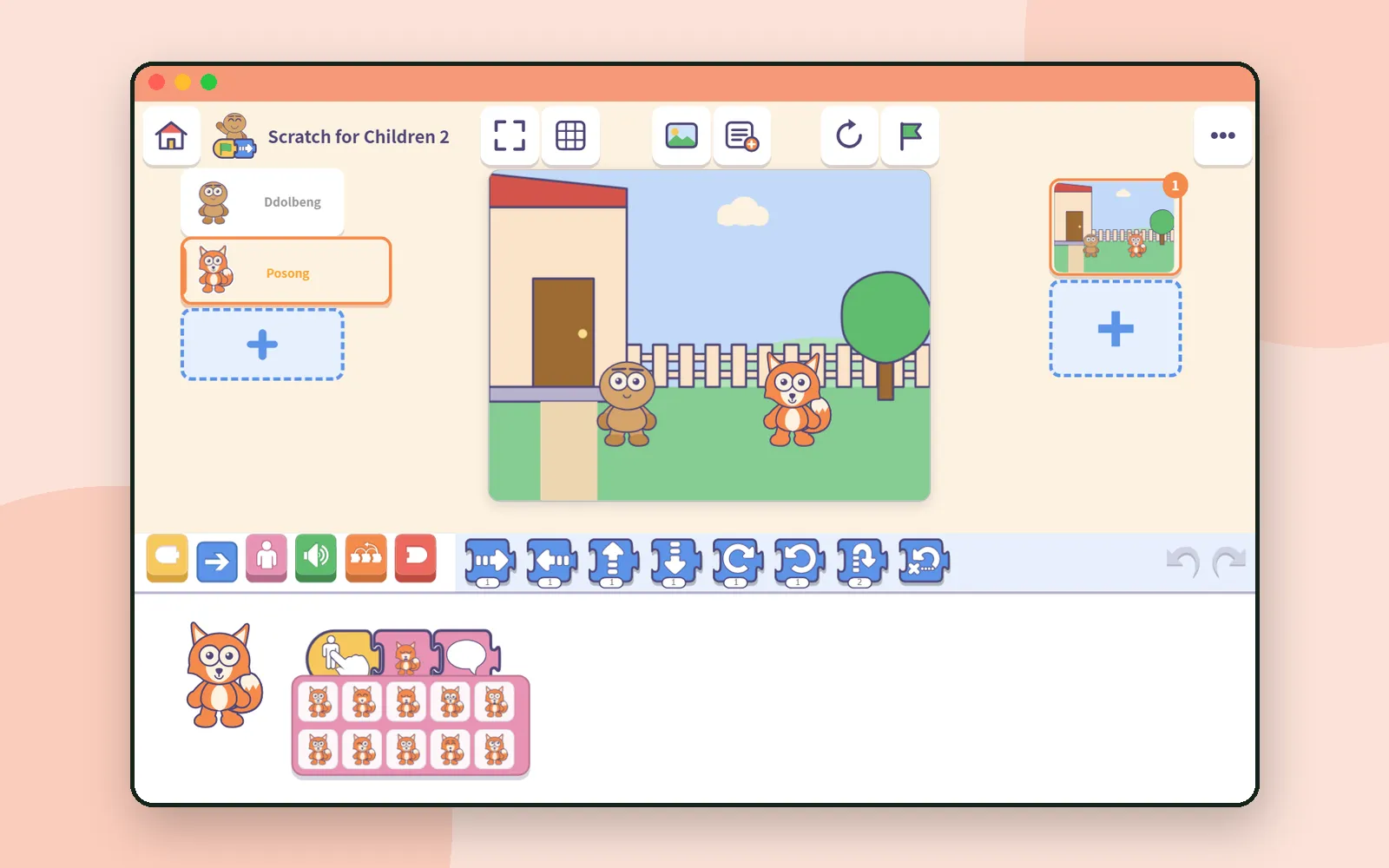 Block codingScratch for Children 2: block coding before kids can readBlock coding for ages 5–7, before kids can read. A tour of Scratch for Children 2: what's inside, how saving and sharing work, and where grown-ups start.
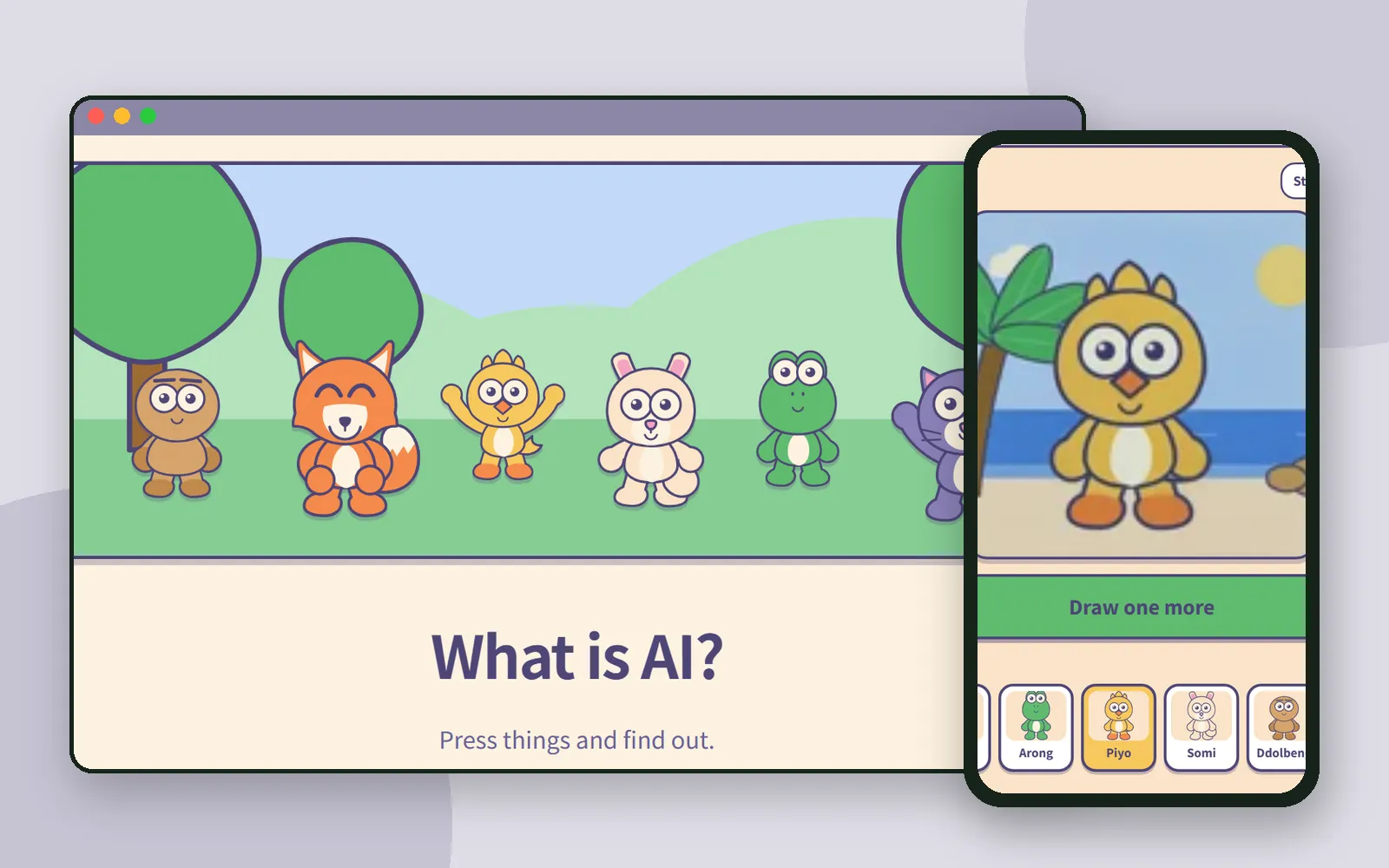 Learning AIAI Teading Kids: AI lessons kids learn by pressingKids aged 9–10 find out how AI makes pictures, stories and tunes by pressing, not typing. A tour of AI Teading Kids, with tips for parents and teachers.
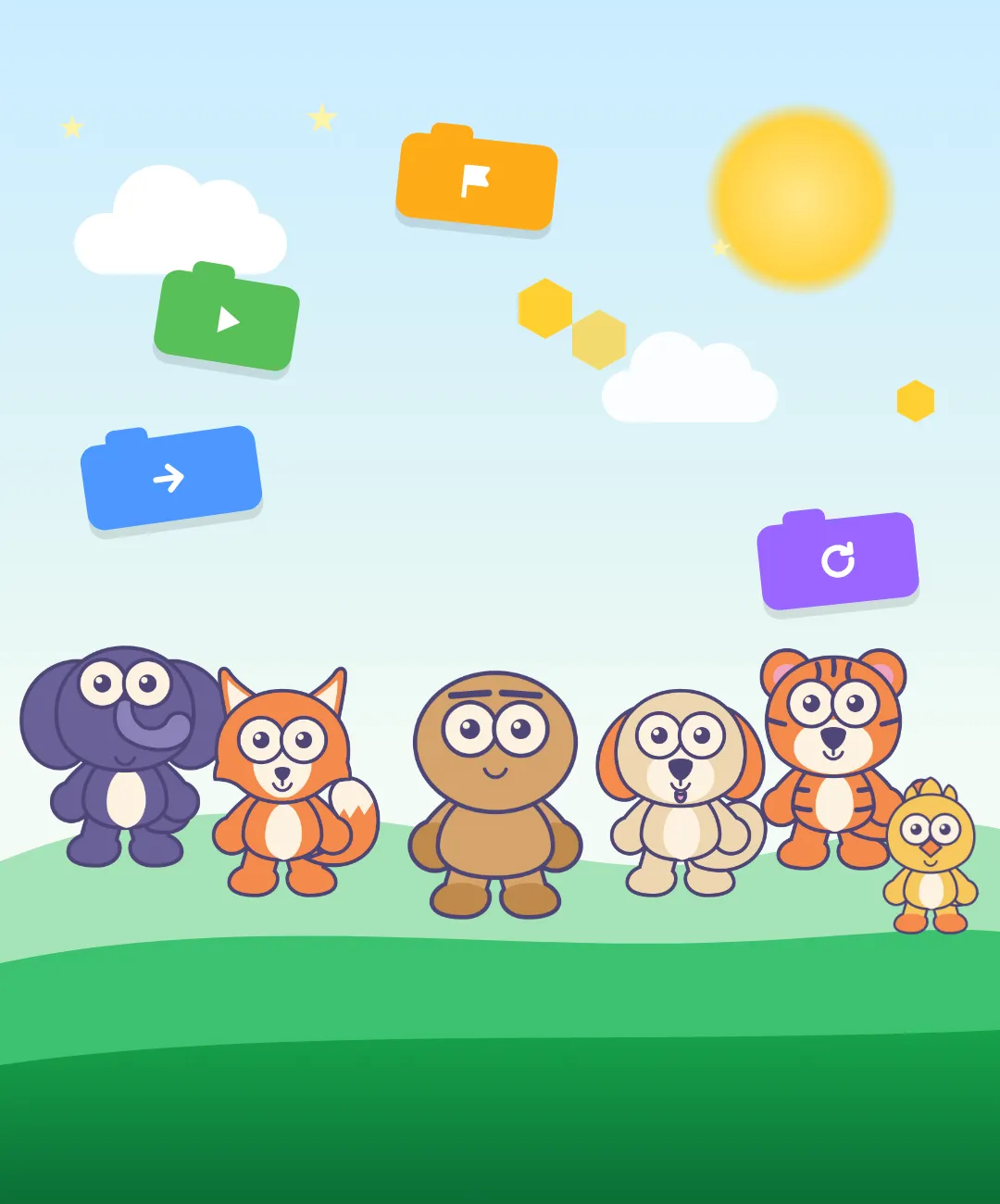 About CodingTeadingMeet CodingTeading: free coding and AI apps for kids, right in your browserBlock coding for kids who can't read yet, AI lessons you learn by pressing, and more. A tour of CodingTeading's free browser apps and where to start.