A 45-minute lesson plan prompt that keeps students doing, not listening
Ask an AI for a lesson plan and you often get a lecture. This Prompt Workshop prompt pins down the timing, the table and the student activity so you don't.
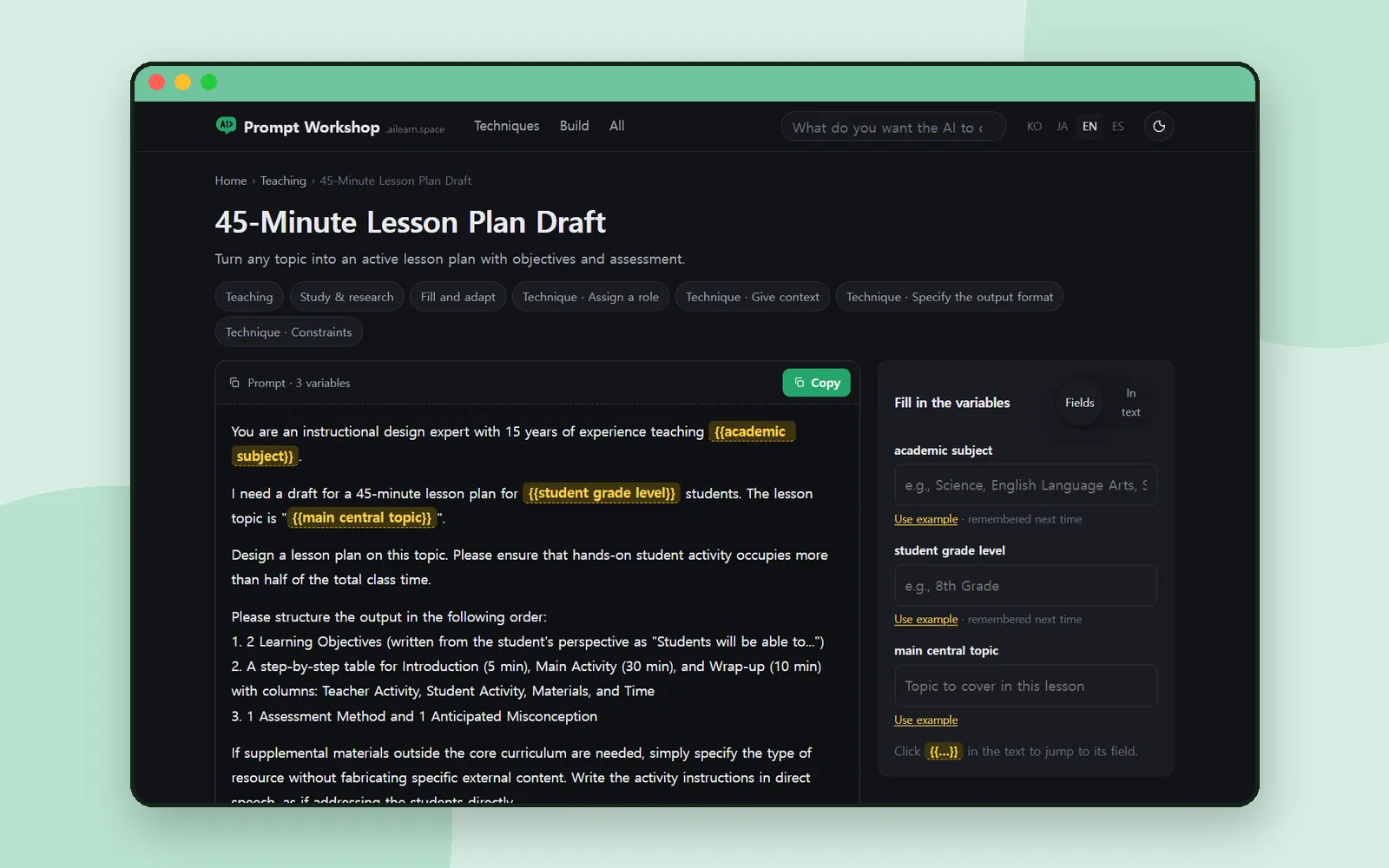
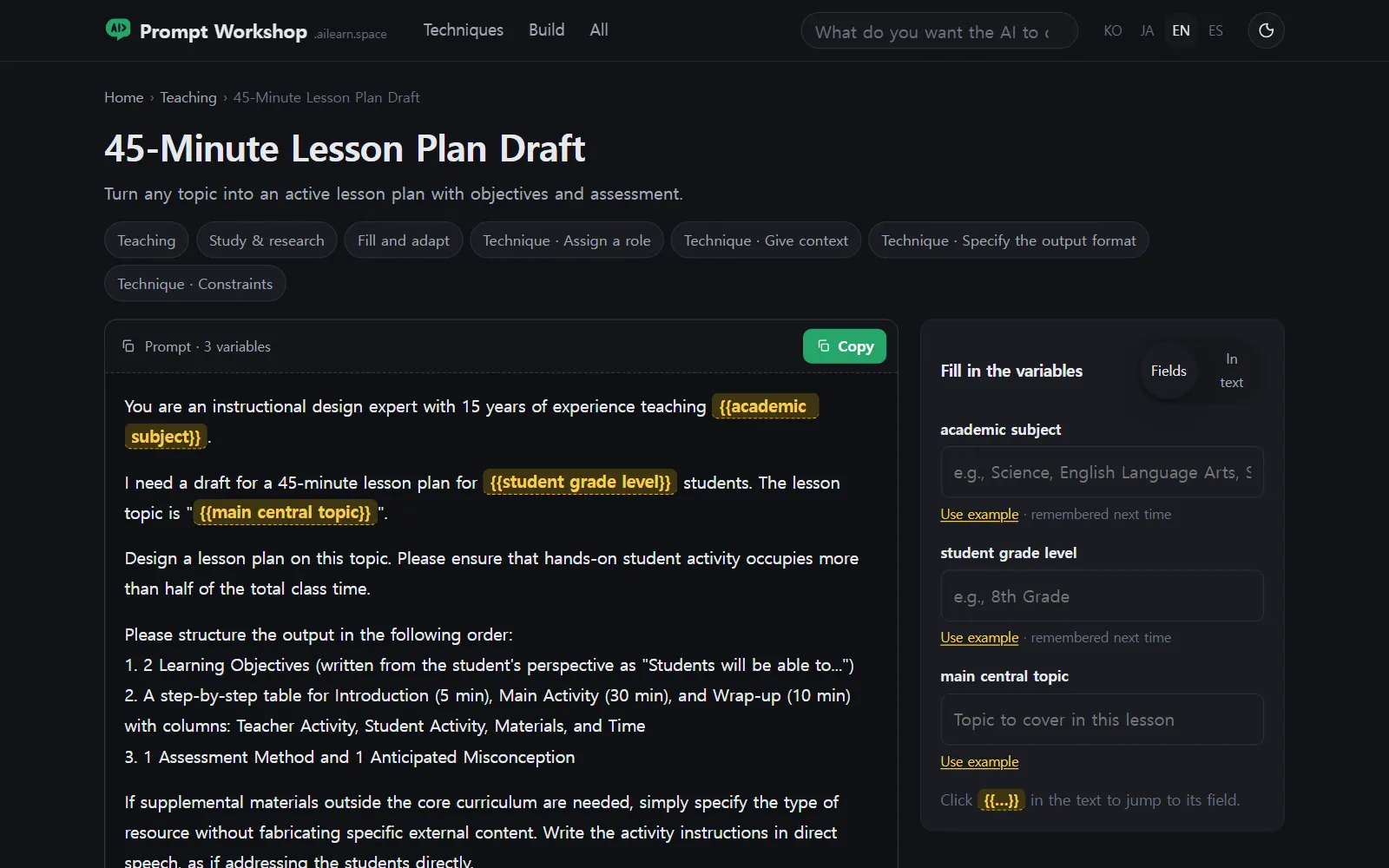
Ask an AI for “a lesson plan on changes of state” and you’ll get something that looks fine at a glance and turns out to be a lecture: the teacher explains, the students listen, and the plan barely says what anyone does minute by minute.
The 45-Minute Lesson Plan Draft prompt in Prompt Workshop is built to stop that. Here’s what’s in it, part by part, and why. 📋
Three blanks
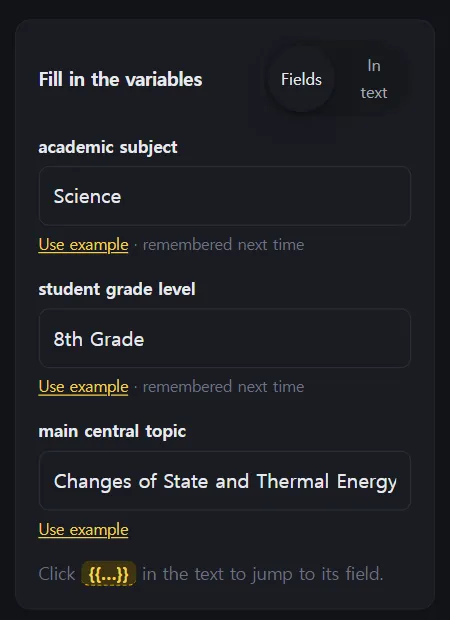
The prompt has three variables: academic subject, student grade level and main central topic. Use example fills them with Science, 8th Grade and Changes of State and Thermal Energy, which is a good way to see the shape before you put in your own class.
(If you haven’t used the site before, Prompt Workshop: fill in the blanks, copy, and see why it works walks through the page itself: the variables, Copy and the Open in buttons.)
What each part does
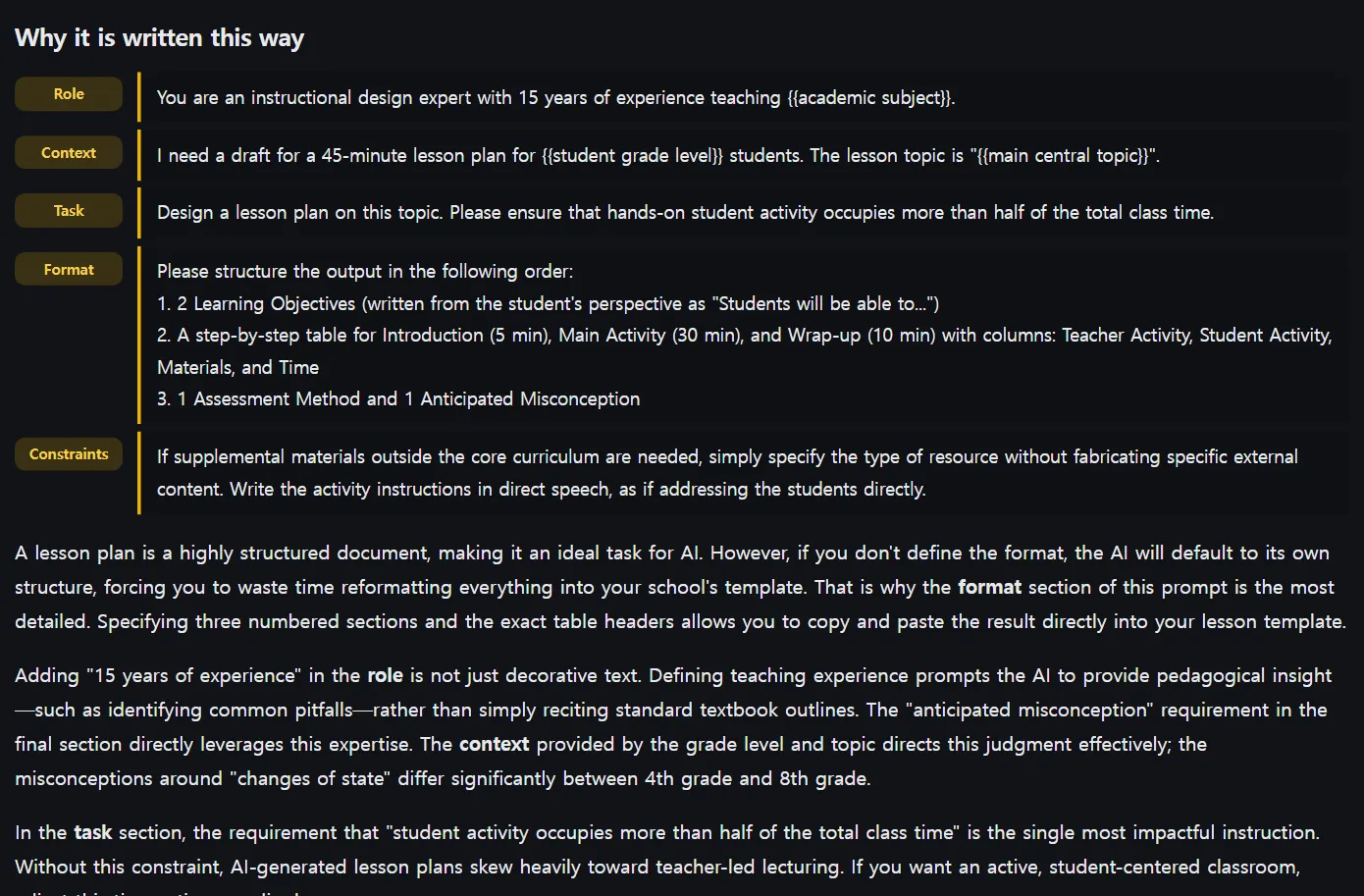
Like every prompt on the site, this one comes with Why it is written this way, split into the prompt’s parts. Here’s what each part asks for.
Role: a specialist, not a helper
The prompt opens by making the AI an instructional design expert with 15 years of experience teaching your subject. That sets the voice: someone who designs lessons, not someone summarising a textbook.
Task: more than half the time is theirs
The single most important line asks that hands-on student activity occupies more than half of the total class time. Leave it out and the plan drifts back to explanation.
Format: a plan you can actually teach from
The prompt asks for the output in a fixed order:
The table is what makes it usable. Teacher and student activity sit side by side for every phase, so you can see at a glance whether the students are actually doing something.
The misconception line is worth a close look: it makes the AI name the mistake students are likely to make, before you walk into the room.
Constraints: no invented materials
If the lesson needs materials beyond the core curriculum, the prompt tells the AI to name the type of resource without fabricating specific content. A model will happily invent a worksheet title or a video that doesn’t exist; this line stops it.
The version that goes wrong
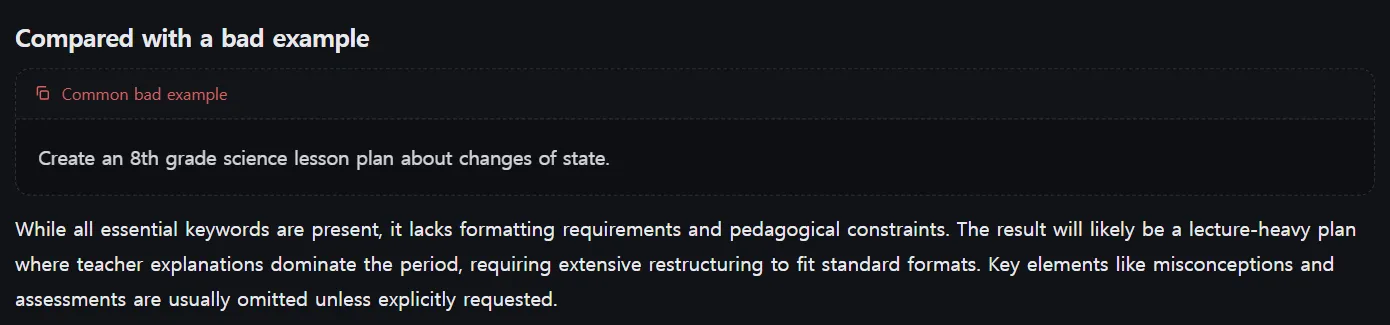
The Common bad example is the request most of us would type:
Create an 8th grade science lesson plan about changes of state.
All the essential information is there. What’s missing is everything above, so the result tends to be a lecture-heavy plan where teacher explanations dominate the period, which you then have to rebuild into your school’s format by hand.
Coming up next
New to the site? Prompt Workshop: fill in the blanks, copy, and see why it works covers how every prompt page works. Curious about terms like hallucination, the reason for that no-invented-materials rule? Aha AI explains them one at a time.
Frequently asked questions
What do I need to fill in?
Three things: the subject, the grade level and the topic of the lesson. Use example drops in a sample for each so you can see the shape.
Why does the prompt insist on student activity?
Without it, the plan tends to become a lecture where teacher explanation fills most of the period. The prompt asks for student activity to take more than half the class.
Can I ask it to match my curriculum standards?
Don't ask it to name standard codes, which a model can invent. The page's model notes suggest pasting your actual standards into the prompt instead.
Does the AI run on the site?
No. You copy the finished prompt and paste it into ChatGPT, Claude or Gemini.