Block coding
Picture-block stories in Scratch for Children 2 and arrow-block puzzles in Ddolbeng Rolls, for children who can’t read yet. Guides for home and class.
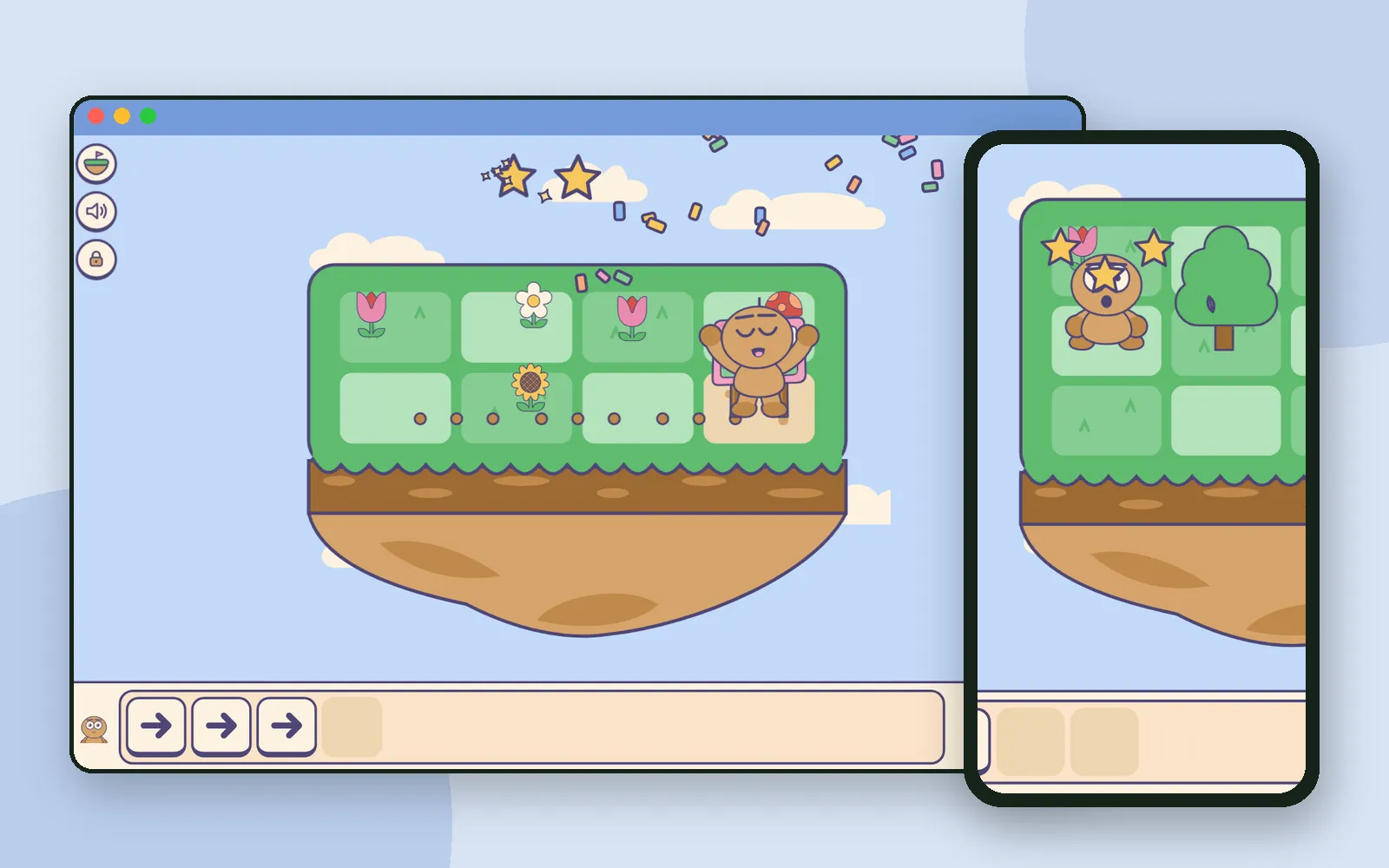 Ddolbeng Rolls: a block-coding puzzle adventure with no words to readIn Ddolbeng Rolls, children place arrow blocks and press play to roll Ddolbeng across floating islands after a runaway festival poster. No words on the blocks, and mistakes end in a laugh.
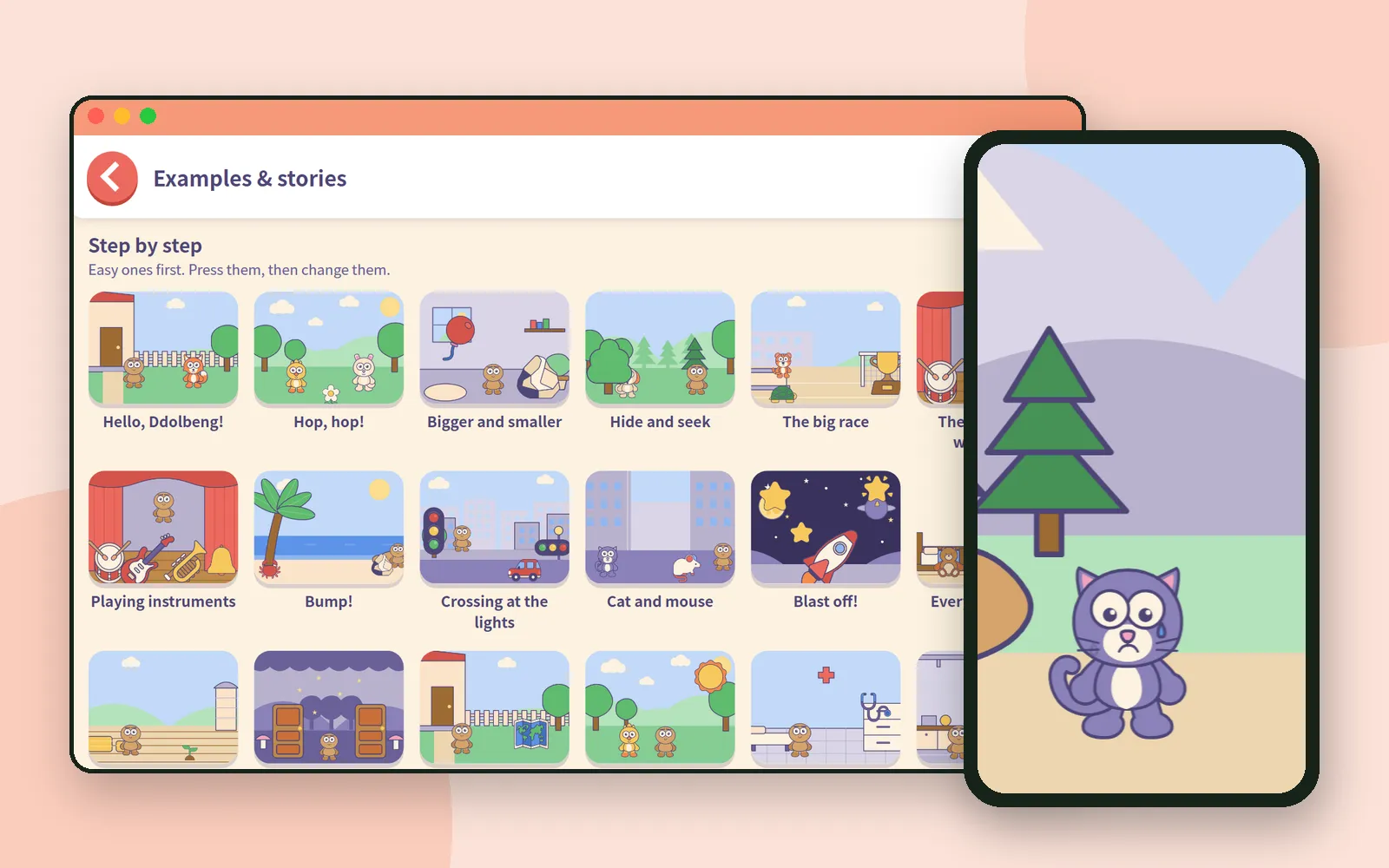 No need to start from a blank stage: examples and storybooks in Scratch for Children 2Scratch for Children 2 has a shelf of finished examples and storybooks. Children open one, press it, change a block, and the app quietly keeps the original safe.
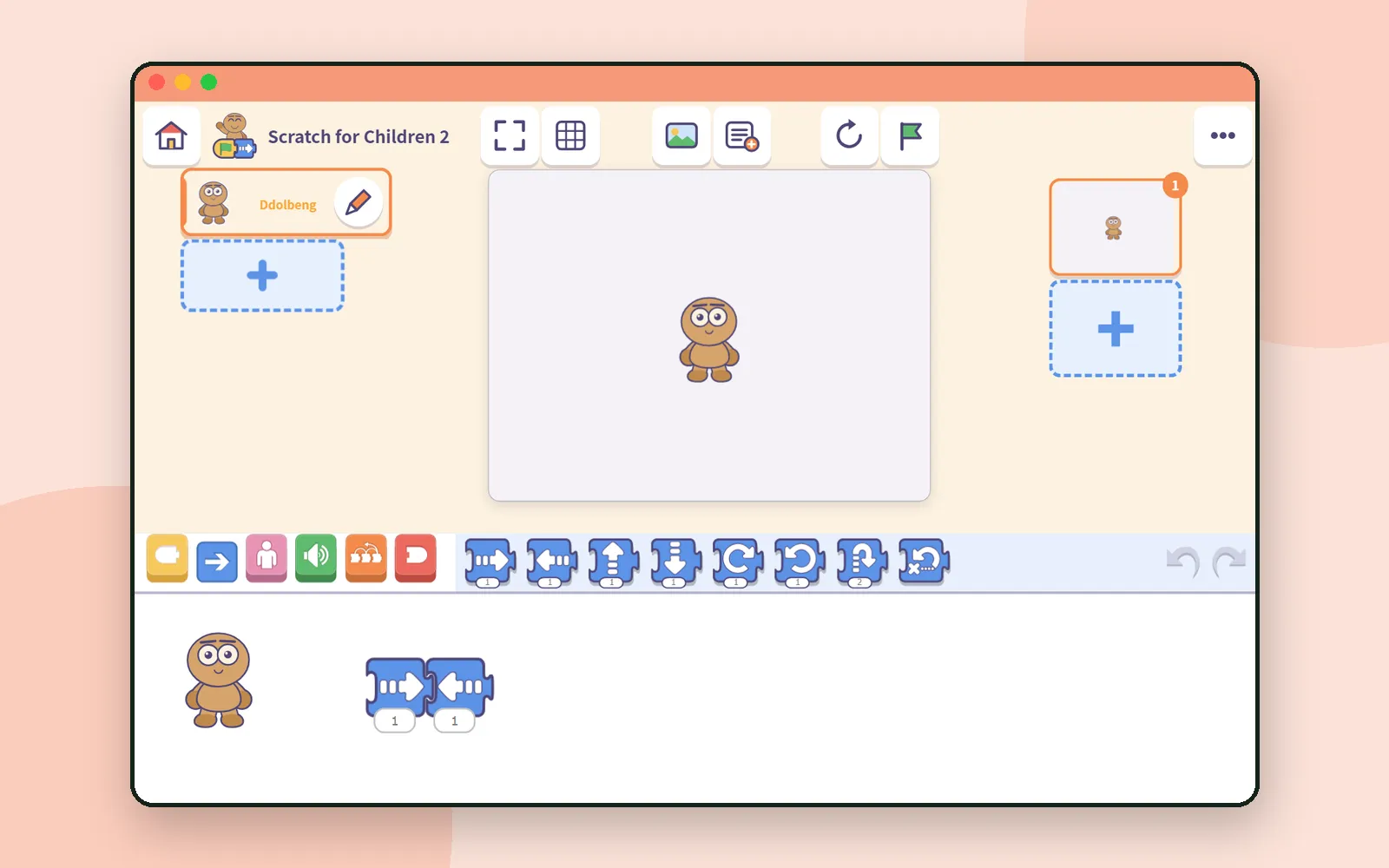 Sharing project files in class with Scratch for Children 2Scratch for Children 2 has no accounts, so each project lives on one device. To hand out an example or collect children's work, you use a file. Here is how it works, step by step.
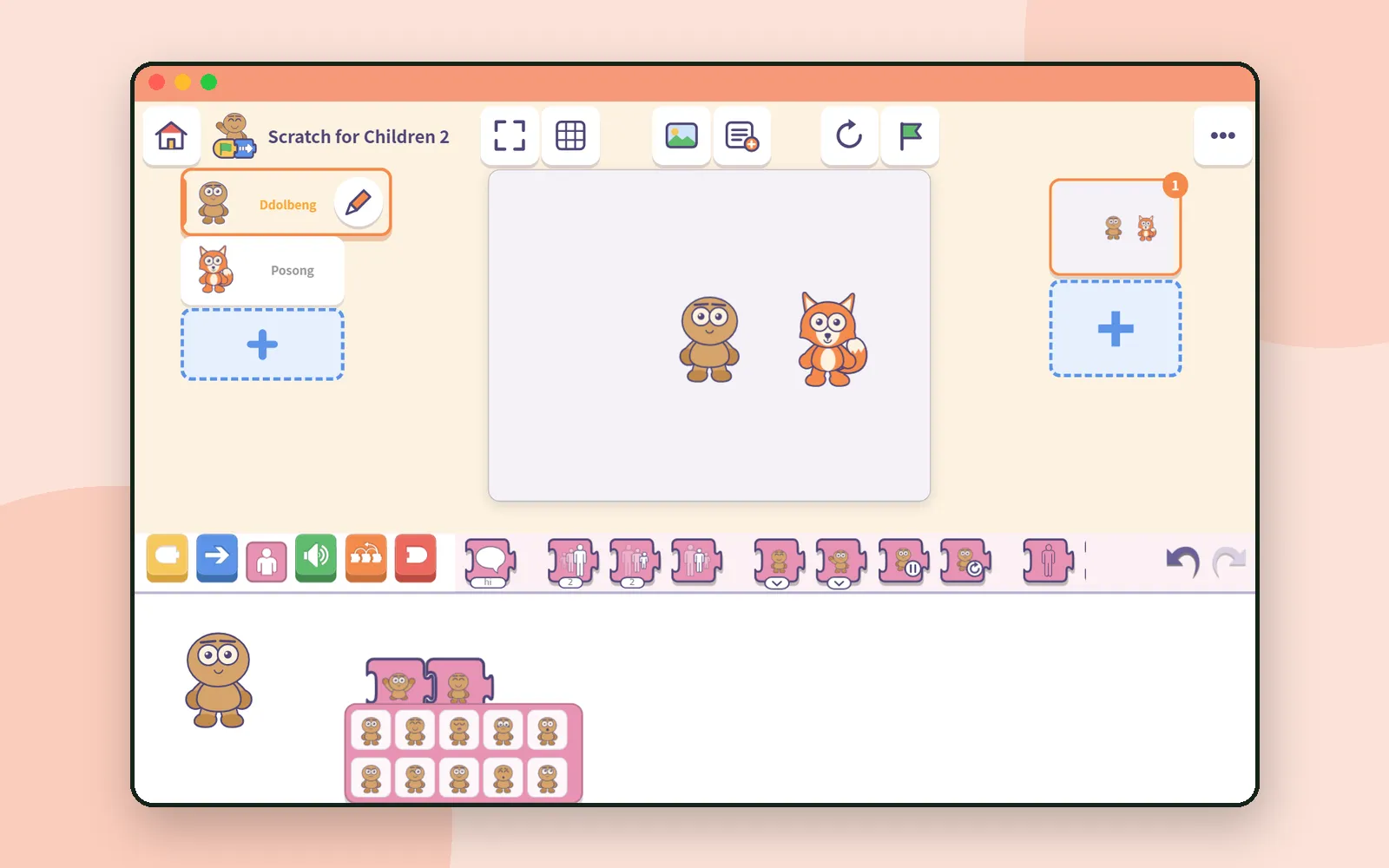 Scratch for Children 2: give a character a face and a moveA story needs feelings. In Scratch for Children 2, a child picks a friend's face and move from pictures, then makes it talk. Here's how the looks blocks work.
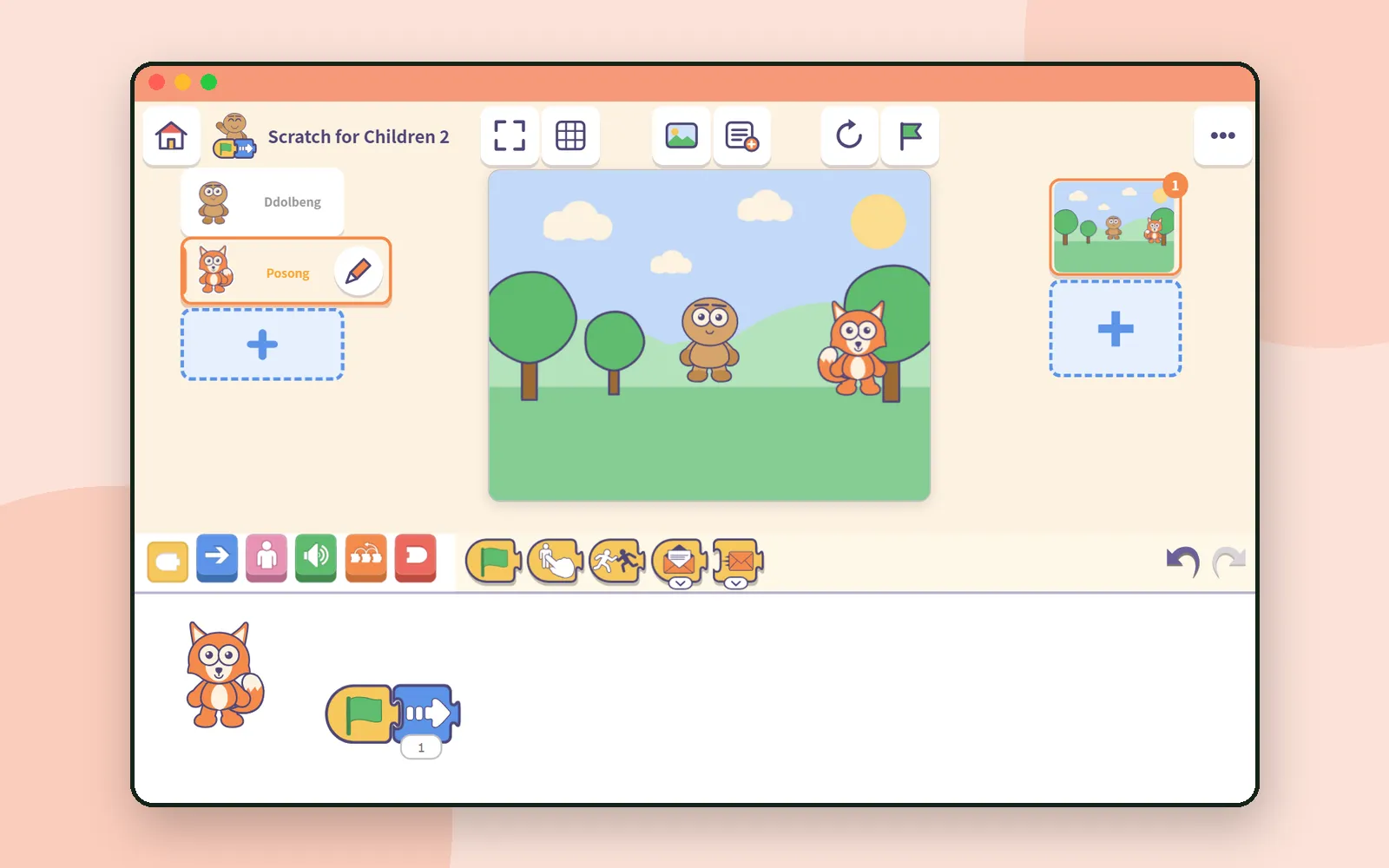 Your first 30 minutes with Scratch for Children 2Six small steps from an empty stage to a character that moves on the green flag. A screen-by-screen first half hour with Scratch for Children 2, plus tips.
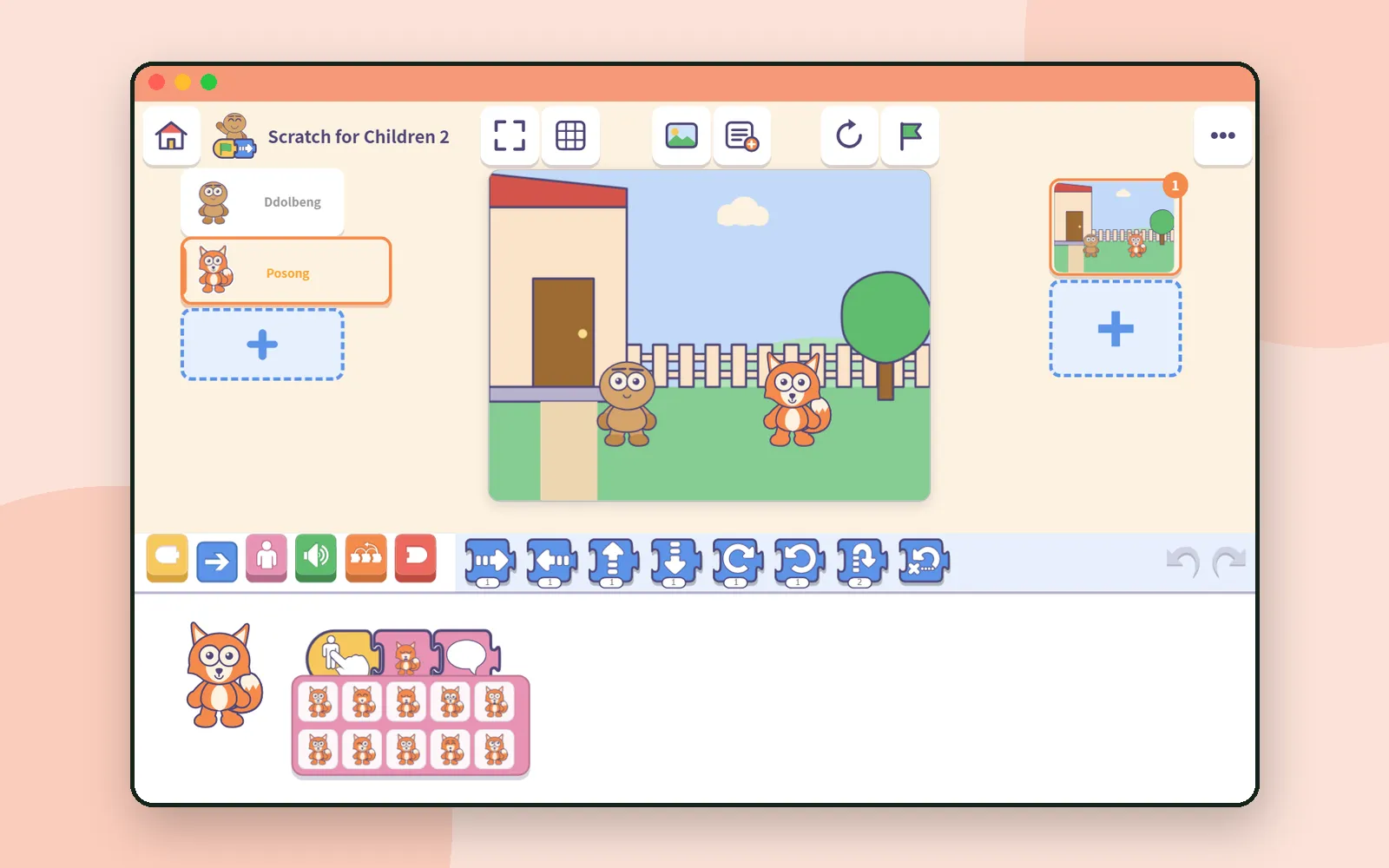 Scratch for Children 2: block coding before kids can readBlock coding for ages 5–7, before kids can read. A tour of Scratch for Children 2: what's inside, how saving and sharing work, and where grown-ups start.