Move, and the screen follows: AI you play with a webcam
AI Teading's webcam course gathers activities where the computer reads your body: a skeleton that follows you, a character that copies your face, and games you play by moving.
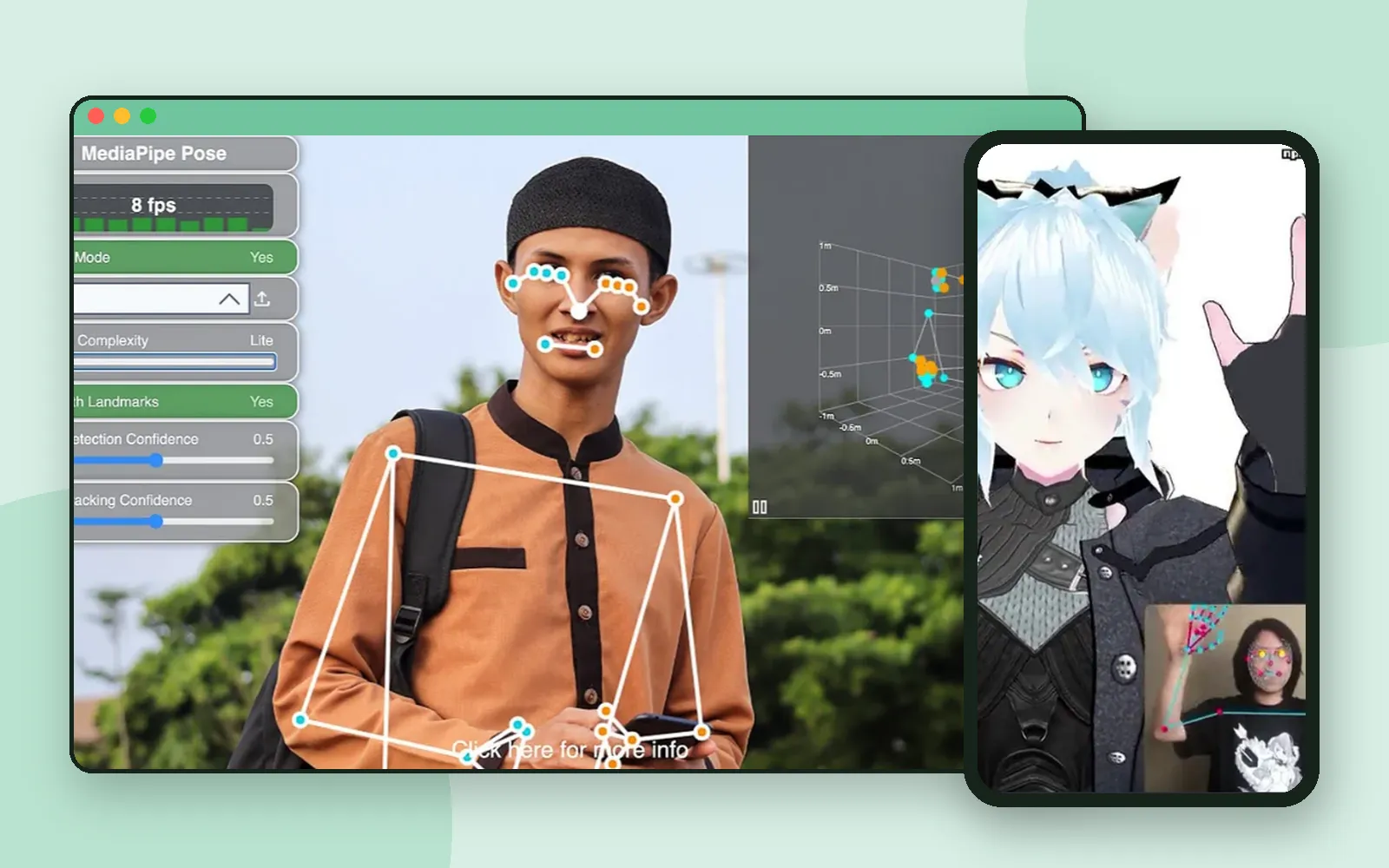
The quickest way to show a child that a computer can “see” is not to explain it. It is to turn on a camera and let them wave.
AI Teading has a course built on exactly that, AI you play with a webcam. Its own description: no install, no login — just turn on the camera. Move, and the screen follows. Here is what is in it. 📷
The course

The course groups its activities into three steps, from simply being seen to playing games. Each card opens an introduction page in your language, with a short description and a picture of the activity, and a button to run it.
Step 1: Control it with your body
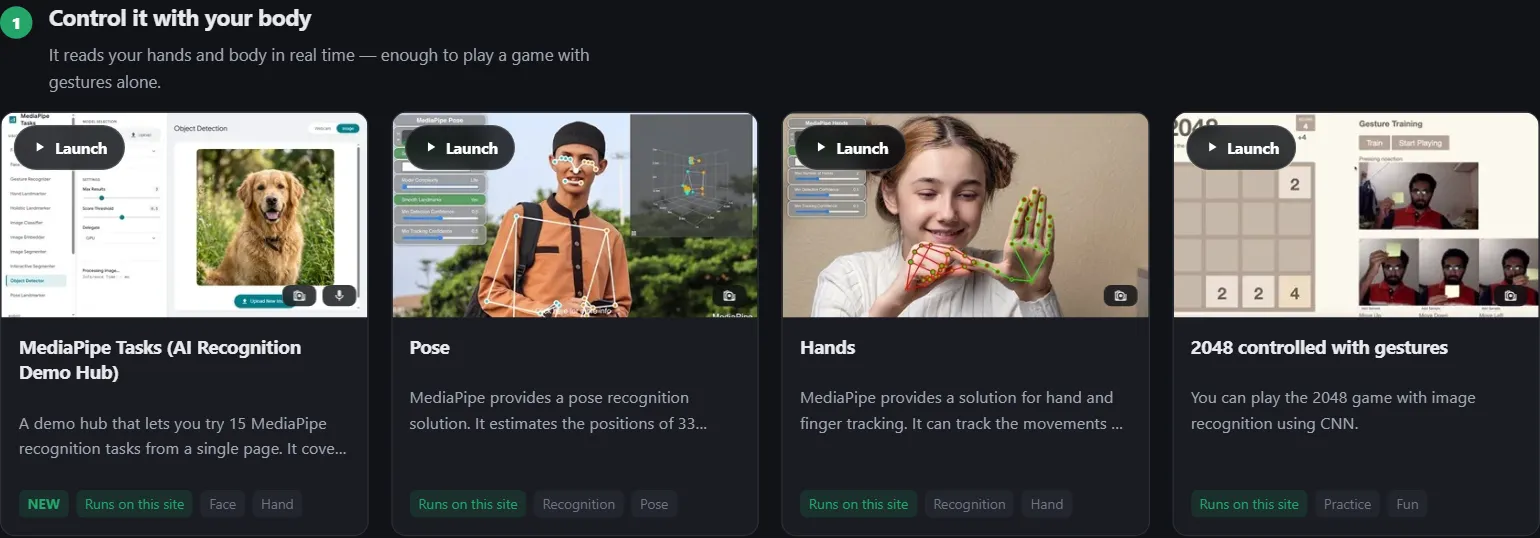
The first step reads your hands and body in real time. The simplest place to start is Pose.
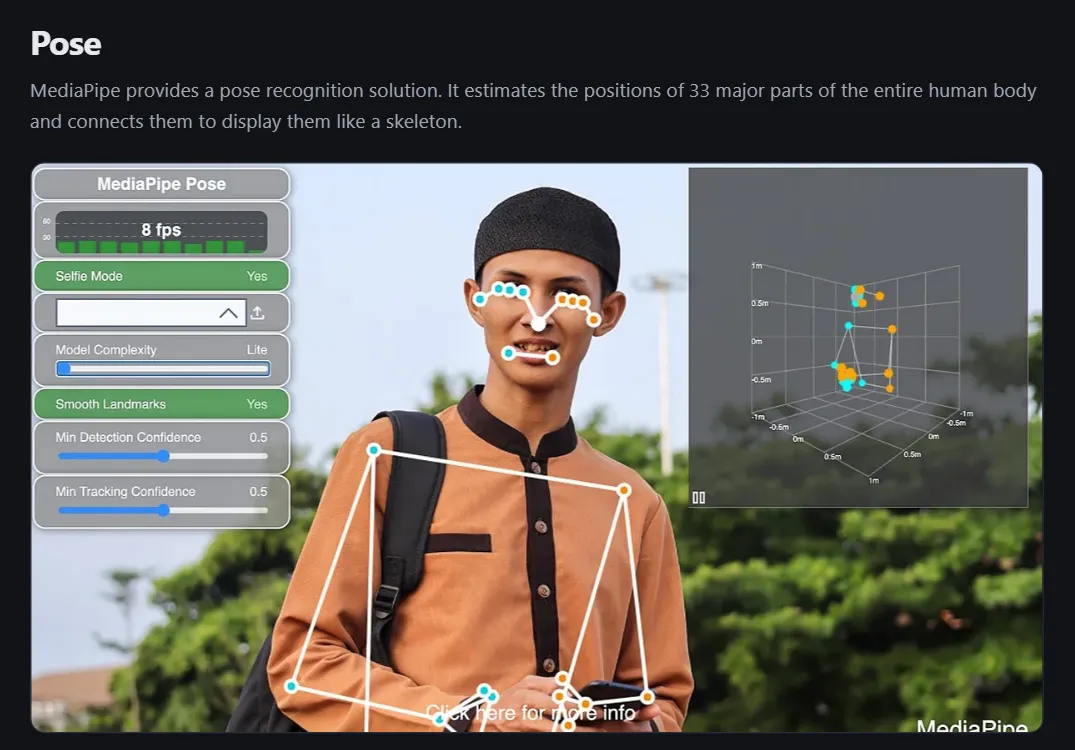
Stand in front of the camera and the main parts of your body appear as a skeleton of dots and lines. Lift an arm and the line lifts with it. Hands does the same for fingers.
This is the moment worth pausing on. The computer is not seeing “a person”. It is finding points, one frame after another, and joining them up.
Step 2: Become a character
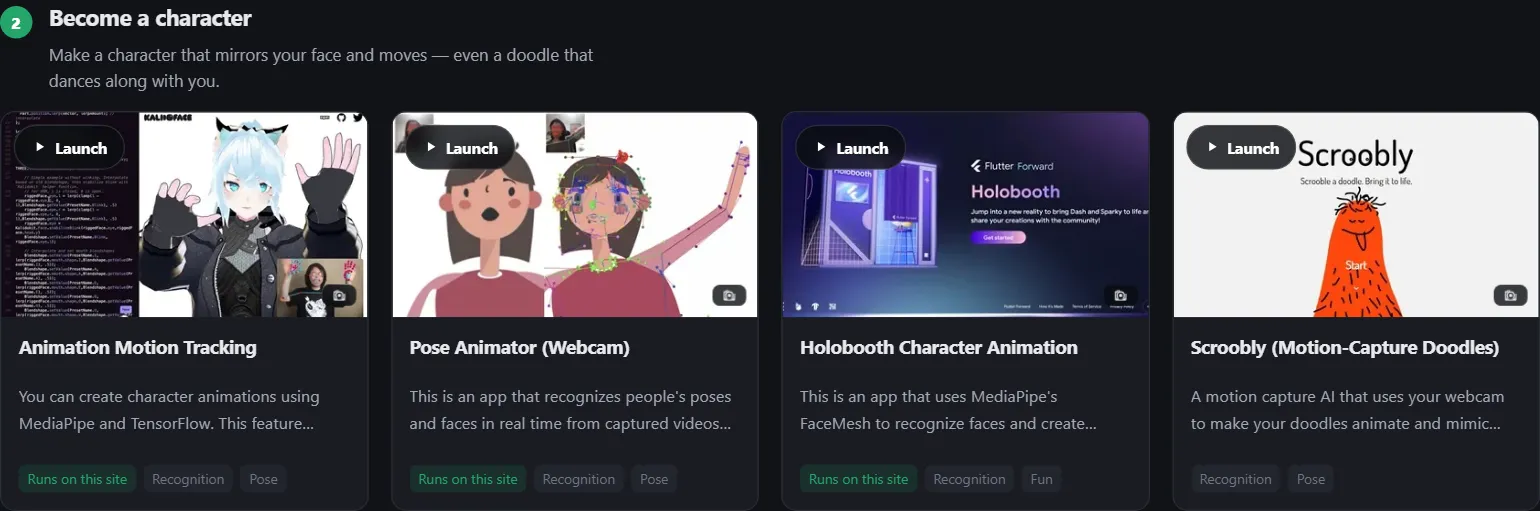
The second step makes a character that mirrors your face and moves. The same kind of tracking now drives a drawing instead of a skeleton.
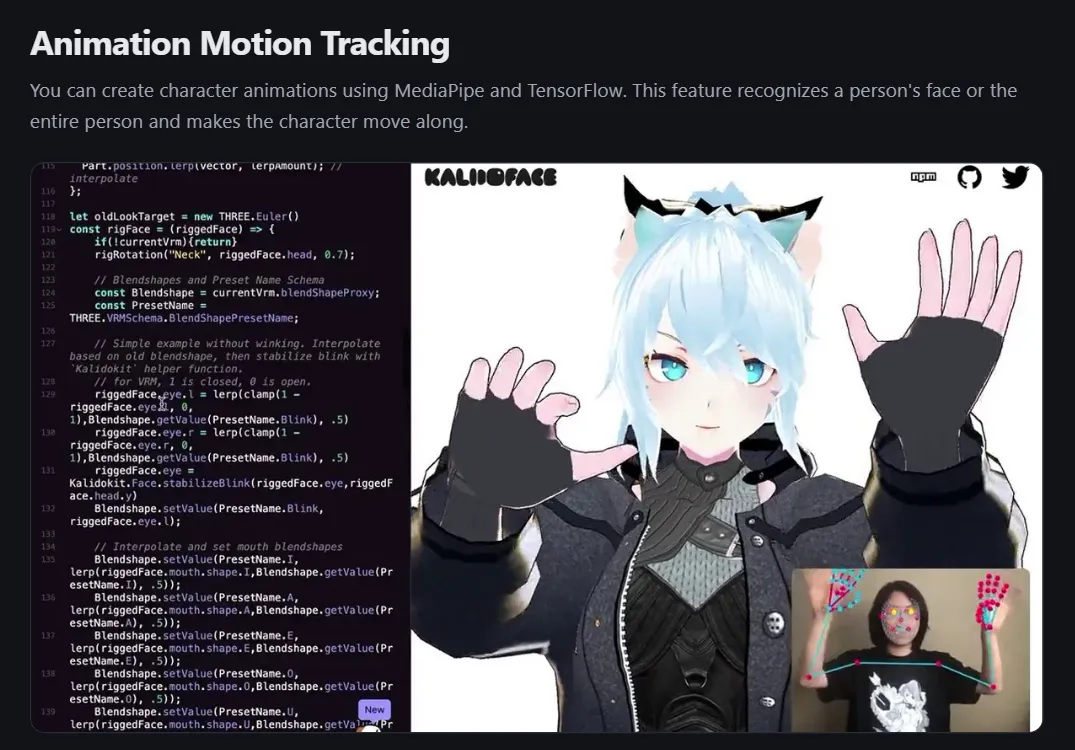
In Animation Motion Tracking, a character copies your face, and with the whole-body option, your movements too. Children tend to test it straight away: blink, open your mouth, wave both hands.
Step 3: Recognition turned into play
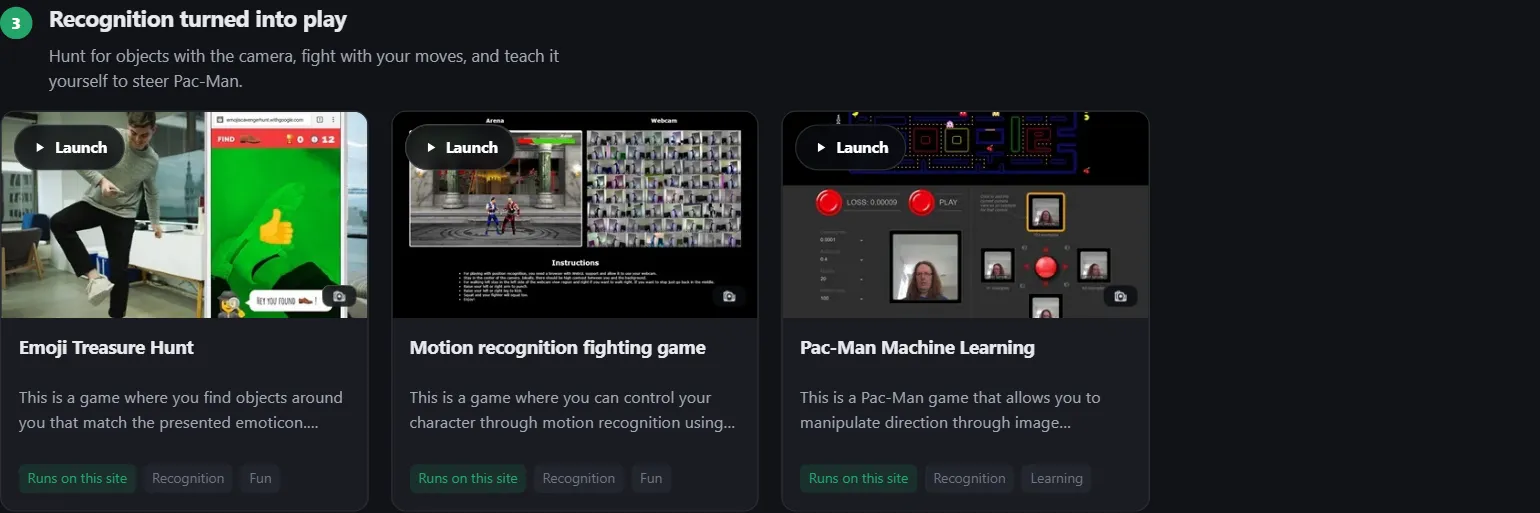
The last step turns recognition into games: hunt for objects with the camera, fight with your moves, and teach it yourself to steer Pac-Man.
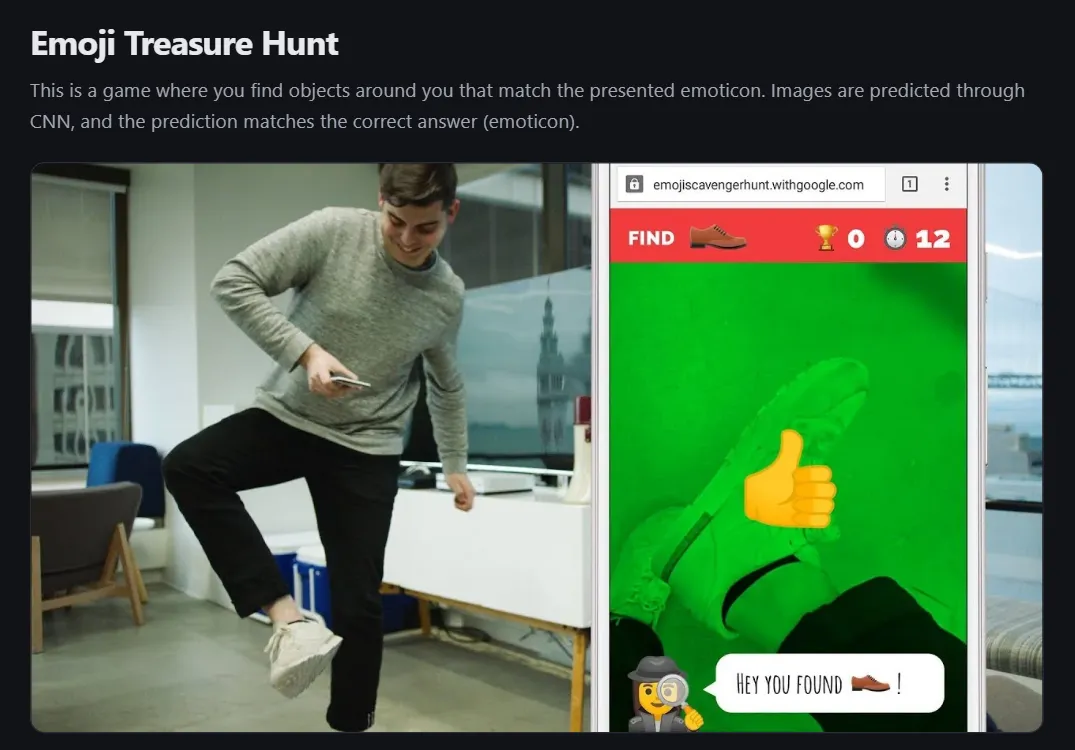
In Emoji Treasure Hunt, the game shows an emoji and you find a real object that matches it, then hold it up to the camera. It counts as found when the emoji matches one of the model’s top guesses. The introduction page notes that the same object can still be missed if its shape is unlike the examples the model learned from, which makes a nice conversation in itself.
About the screens
The course page and every introduction page come in your language. The activities themselves come from different makers, so some show their own text, often in English. Many of them, like Pose and Hands, need no reading at all: you move, and the picture answers.
Coming up next
For more about AI Teading itself, see AI Teading: a hands-on AI lab you try in the browser.
Next time: starting from an example or a storybook in Scratch for Children 2.
Frequently asked questions
What do you need for the webcam course?
A computer or tablet with a camera and a web browser. When the browser asks for permission to use the camera, allow it.
What kinds of activities are in it?
Three groups: controlling things with your body, becoming a character that copies your face and moves, and recognition turned into games, such as hunting for objects with the camera.
Are all the activities in my language?
The course page and each activity's introduction are. The activities themselves come from different makers, and some show their own text, often in English. Many need no reading at all.
Is it a good first AI activity?
Yes. Seeing a skeleton follow your arms is one of the quickest ways to understand that a computer can measure what a camera sees.